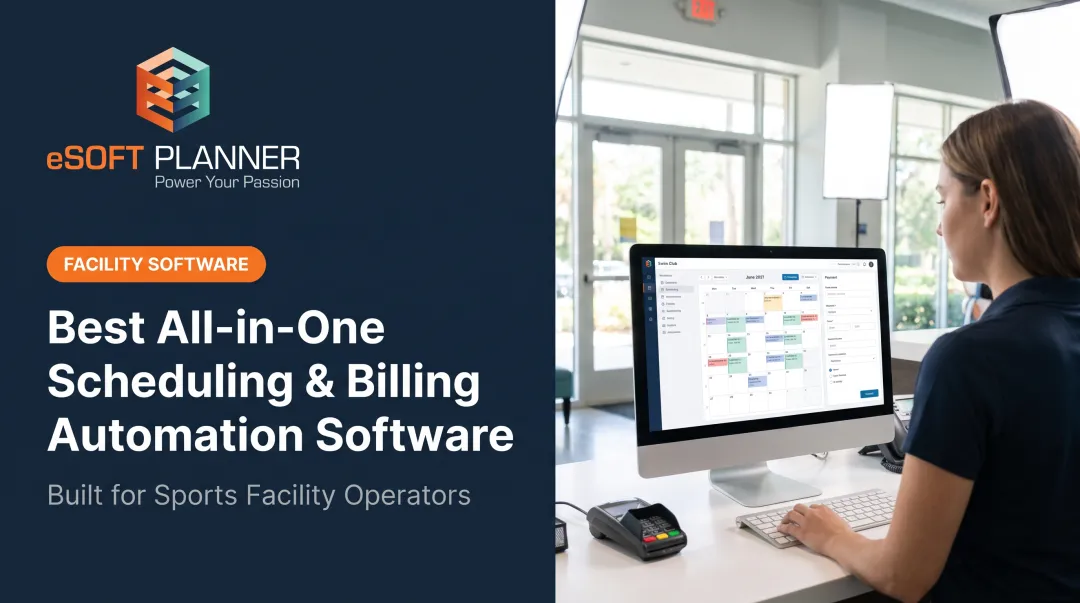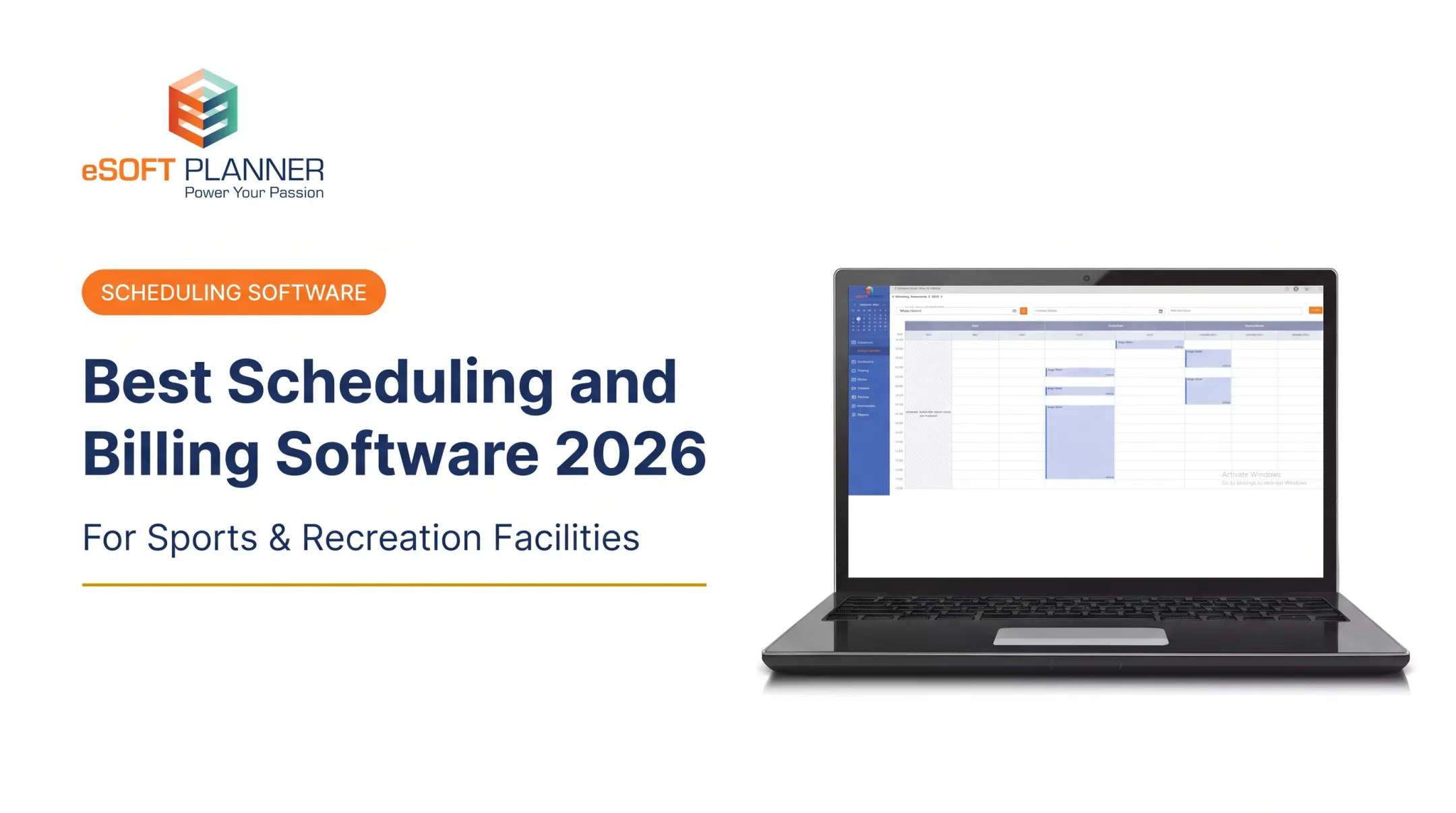

Modern scheduling software replaces that mess with real-time online booking, automated reminders, conflict prevention, and customer self-service. Adoption is broad: NFIB's 2025 survey found 57% of small businesses introduced new or significantly improved technology in the prior two years.
This guide compares five platforms: eSoft Planner, EZFacility, Upper Hand, Mindbody, and TeamUp. Prices below were checked October 30, 2026.
Key Takeaways
- Match the software type to your operation: appointments, classes, facilities, staff shifts, or projects.
- Your scheduling model, resource count, payment needs, and growth plans decide the best fit.
- Entry prices rarely include full feature sets, so compare total cost.
- Test the customer booking experience before you commit.
Overview of Scheduling Software in the US Activity-Based Business Market
Scheduling software coordinates bookings, availability, and capacity. The label hides real differences:
- Appointment scheduling: books client sessions, with recurring bookings and reminders.
- Facility/resource scheduling: allocates spaces and equipment, with capacity and conflict controls.
- Employee scheduling: organizes staff shifts, not customer reservations.
- Project scheduling: models tasks, timelines, and dependencies.
Activity-based organizations such as sports academies, swim schools, fitness centers, dance studios, music schools, and municipal programs usually need several of these at once. Class enrollment, appointments, and facility reservations are separate requirements, and a product's "scheduling" label doesn't prove it handles all three.
The platforms below are judged on activity-based fit, pricing transparency, usability, integrations, scalability, and support.
Best Scheduling Software for Activity-Based Businesses in the US
We prioritized platforms that pair reliable scheduling with customer booking, instructor coordination, resource availability, payments, and automation for small and midsize US businesses.
eSoft Planner
eSoft Planner launched in 2008, when its founders, who ran a sports training facility, outgrew spreadsheets and general calendars. It's the flagship product of PPC Communications, a family-owned company in Cincinnati, Ohio. It serves sports, recreation, education, and other instructor-based businesses.
What stands out:
- Configurable, a la carte modules: rentals, lessons, camps, clinics, classes, packages, memberships, teams, leagues, and access management
- Real-time online booking built to prevent double bookings
- Flat pricing that doesn't change with customer or staff counts
- No contracts
- Unlimited consultative support from a US-based team, plus a personal customer success manager
| Area | What to know |
|---|---|
| Best-fit operations | Classes, lessons, rentals, camps, memberships, teams, and leagues across facilities and instructors |
| Pricing | Starts at $39/month, billed by module. Individual module prices and the one-time setup and training fee aren't published, so request a configured quote. Card processing fees are standard and unpublished |
| Support and scalability | US-based support, customer success manager, no staff or location limits. Offers live demos rather than a free trial |
Support claims are vendor-stated. Ask for references.
EZFacility
EZFacility launched in 2003 and has been owned by Jonas Software since 2009. It targets sports facilities, personal-training studios, and fitness clubs.
Its drag-and-drop calendar handles classes, clinics, rentals, and events, with real-time rental availability, deposits, and capacity. Memberships, a customer portal, online registration, and package sales are included. Court scheduling is documented, but field- and room-specific controls should be confirmed in a demo.
| Plan | Monthly | Members | Resources | Activation |
|---|---|---|---|---|
| Starter | $169 | 500 | 5 | $300 |
| Basic | $239 | 1,500 | 15 | $400 |
| Premium | $329 | 3,000 | 30 | $450 |
| Ultimate | $599 | Unlimited | Unlimited | $500 |

Annual billing saves 15%. Several integrations carry extra charges, and QuickBooks Sync is US only. Small operators should watch the entry caps: five resources go quickly in a multi-court facility.
Upper Hand
Founded in 2012 as bookacoach and rebranded in 2015, Upper Hand grew from connecting athletes with private coaches. It now serves sports-training businesses, gyms, and facilities.
It supports camps, clinics, lessons, and rentals, with recurring events, registration deadlines, participant limits, waitlists, and staff assignments. Payment plans and split payments are listed.
| Plan | Price (paid annually) | Fit |
|---|---|---|
| Start | $79/month | Independent coaches |
| Grow | $199/month | Single facilities; adds resources, inventory, payroll |
| Scale | Quote only | Multi-location and franchises |
Resource management begins at Grow, not Start. Processing fees are set in your order form, and trial length and implementation fees aren't public.
Mindbody
Mindbody launched in 2001 and serves fitness, dance, wellness, and beauty businesses. Its parent is Playlist.
Strengths include branded booking, class and appointment management, recurring membership billing, and a marketplace with free listings. Mindbody lists 100+ integrations.

- Starter: from $79/location/month; Accelerate and Ultimate are quote-based
- Onboarding: no fee stated on any plan
- Marketplace: a 20% first-purchase fee, capped at $30, applies to new clients acquired through the app
- Gates: automated email/SMS marketing sits in Ultimate; advanced analytics in higher tiers
- Contract: default 90-day initial term, then 30-day renewals
Capterra reviewers describe a learning curve for complex schedules and complaints about add-on fees. Mindbody itself says solo operators needing only basic booking may not fit.
TeamUp
TeamUp (goteamup.com, not the calendar app of the same name) launched in 2012 and was acquired by DaySmart in 2022. It suits gyms, studios, and class-based businesses.
It handles classes, appointments, courses, rentals, memberships, packs, waitlists, and reminders. Pricing follows active customers:
| Active customers/month | Price |
|---|---|
| 0-100 | $119 |
| 101-200 | $189 |
| 201-300 | $219 |
| 301-400 | $249 |
| 401-500 | $289 |
| 501+ | $379 |
It's month-to-month with unlimited locations and no setup fee. The trial is 7 days. Calendar sync, website widgets, Zapier, Mailchimp, and ClassPass are supported, but there is no direct accounting integration (CSV export only). Multi-resource facilities should confirm complex court or field dependency rules in a demo before committing.
How We Chose the Best Scheduling Software
This ranking draws on official product pages, pricing, integration documentation, and independent reviews. Hands-on testing of every platform is not part of the comparison.
Criteria, in order:
- Workflow fit. Can it coordinate customers, instructors, rooms, courts, lanes, capacity, recurring sessions, and waitlists without conflicts?
- Ownership cost. Compare subscription, activation, per-location fees, processing charges, and add-ons.
- Security and support. Check whether the vendor's PCI DSS attestation covers the service you'll use, per PCI SSC guidance. CISA recommends multifactor authentication wherever possible.
Ownership cost also hinges on how each vendor bills. Pricing mechanisms differ: EZFacility by members and resources, Upper Hand by feature tier, Mindbody by location, TeamUp by active customers, and eSoft Planner by modules.

When you apply these criteria, avoid these common mistakes:
- Choosing a simple meeting scheduler for a multi-court facility
- Relying on a basic calendar
- Ignoring staff and resource conflicts
- Overlooking payment fees
- Never testing the customer booking flow
Conclusion
The best scheduling software matches your operating model, resource complexity, customer journey, and budget, not the most famous brand.
Before deciding:
- Map your current scheduling process
- Book as a customer would
- Verify integrations and total pricing
- Ask how the tool handles more programs, staff, and locations
US sports, recreation, education, and fitness businesses can explore eSoft Planner's configurable modules, no-contract model, and consultative support as part of that comparison.
Frequently Asked Questions
What is the best appointment scheduling software?
It depends on your booking complexity, staff and resource needs, payments, integrations, and budget. Basic appointment tools suit solo providers; facility-focused platforms suit businesses managing rooms, courts, and classes.
Which software is used for project scheduling?
Project scheduling tools manage tasks, timelines, dependencies, and deadlines. Appointment and facility software handles bookings, availability, capacity, and resource conflicts.
What features should activity-based businesses look for in scheduling software?
Look for real-time online booking, instructor and resource scheduling, recurring classes, capacity limits, waitlists, payments, reminders, reporting, integrations, and customer self-service.
Can scheduling software prevent double bookings across staff and facilities?
Yes, through centralized availability, resource rules, capacity controls, and real-time booking. Actual protection depends on how the platform is configured, so confirm it in a demo.
How much does scheduling software cost?
Entry prices in this guide run from $39 to $169 per month, but costs vary by users, locations, members, modules, and processing. Add activation fees and payment charges to the total.
Is eSoft Planner suitable for small activity-based businesses?
Yes. It starts at $39/month, uses a la carte modules, requires no contracts, and doesn't raise prices as customers or staff grow. US-based support and a customer success manager come with it.