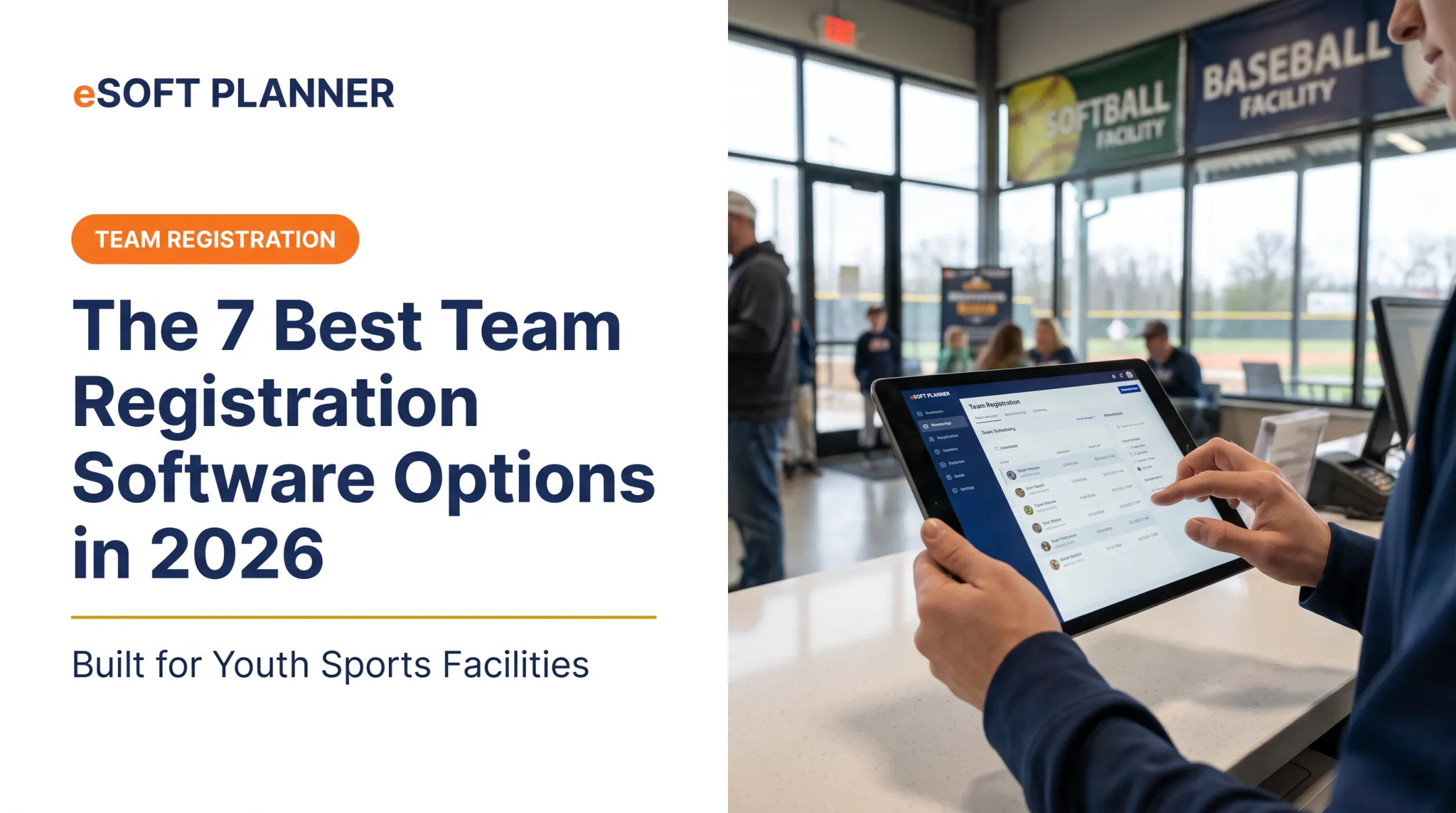
Start with the season's everyday tasks: registering players, maintaining rosters, building practice and game schedules, tracking budgets and payments, and communicating with teams and families. Employee time clocks and office project boards serve different needs and should not define a sports-team software decision.
This guide compares team management apps through the needs of sports teams, coaches, clubs and organizations managing teams. eSoft Planner is the sports-team-focused option in this shortlist; the other tools provide context for organizations also evaluating workforce, project or communication software.
Key Takeaways
- Prioritize player rosters, team budgets, schedules and team communication when choosing sports-team software
- Test a complete team workflow, from player registration through fee tracking and a schedule update
- eSoft Planner's team management module addresses sports-team administration; its staff time clock functionality is secondary to that purpose
- Compare current module costs and access needs, and distinguish sports-team operations from staff or office-project workflows
Overview of Team Management Apps in the US Market
For a sports organization, a team management app helps coaches and administrators coordinate players, team schedules, budgets and communication. The useful test is whether it supports an actual team throughout a season.
The term also covers several different software categories:
- Sports-team management apps: organize player information, rosters, schedules, team finances and messages
- Activity-facility management platforms: connect team operations with facilities, lessons, classes and bookings where needed
- Employee-management apps: support staff scheduling, time tracking and workforce communication
- General project-management apps: coordinate administrative tasks, deadlines and projects
A club may need more than one category. Choosing a staff scheduling app does not establish that it can manage player balances or a team budget. Likewise, a project board may help organize a tournament's preparation without handling the teams participating in it.

Use this distinction to evaluate the shortlist. For sports teams, assess roster, budget, schedule and communication workflows first; consider the other categories only where they address an additional operational need.
Top Team Management Apps in 2026
The following options serve different purposes. This is a comparison of operational fit, not a claim that every product is a dedicated sports-team app. Confirm current features, pricing and access requirements with each vendor.
eSoft Planner — Best for Sports Teams, Coaches and Organizations Managing Teams
eSoft Planner's sports team management module brings player information, team schedules, budgets, payments and communication into the same system. Coaches and administrators can use it for team administration alongside the other modules their organization needs.
Rosters and registration: collect player information through custom registration forms and links, and store team agreements and relevant documents. Review how registration information supports the roster and the records your organization needs throughout the season.
Budgets and payments: create and publish team budgets, collect player payments and track balances. One-time payments and recurring billing can support team fees. A practical evaluation should show how an administrator checks outstanding balances and keeps team expenses organized.
Schedules and communication: build schedules for practices, games and tournaments, and provide directions where needed. The team message center supports communication, while schedule reminders help keep parents informed. eSoft also offers some staff time clock functionality, but this is separate from the main sports-team management focus.

When reviewing eSoft Planner, walk through these four tasks:
- Register a player and check their information and team documents
- Build a team budget and review player payments and outstanding balances
- Schedule a practice or game and check the information shared with families
- Send a team update and verify how coaches and administrators manage communication
| Category | Details |
|---|---|
| Best for | Sports teams, coaches, clubs and organizations administering teams |
| Core capabilities | Player registration and rosters, team schedules, budgets, player payments and team communication; some staff time clock functionality |
| Mobile/access | Web-based; test mobile access with coaches and administrators |
| Pricing approach | Modular; confirm current module pricing and payment terms with eSoft Planner |
| Support model | Ask eSoft Planner about onboarding and ongoing support for your chosen modules |
| Consideration | Evaluate team administration separately from general office projects and employee shift management |
Organizations also coordinating spaces and sessions can evaluate the relevant scheduling software modules. Review member registration needs alongside player registration, since membership and team registration may have different requirements. eSoft's official sports team management page documents its registration, budget, payment, scheduling and communication functions.
Connecteam — Workforce Tools to Evaluate Separately from Team Administration
Connecteam is relevant when the organization is evaluating employee scheduling, time tracking or staff communication. Those needs may sit alongside a sports program, but they are different from managing its players and teams.
Keep staff group chats separate from the question of how coaches communicate with players and parents. Check the intended recipients, access requirements and team information in a demonstration.
| Category | Details |
|---|---|
| Best for | Organizations evaluating employee and shift-management workflows |
| Core capabilities | Employee scheduling, time tracking and workforce communication |
| Pricing model | Confirm current plans, user limits and hub charges directly with Connecteam |
| Mobile access | Check the mobile workflow with your staff |
| Consideration | Assess player rosters, team budgets and parent communication separately from employee workflows |
Asana — Project Coordination Around a Sports Organization
Asana may be considered for administrative projects such as preparing a tournament or organizing a club initiative. Evaluate these workflow needs separately from running the teams themselves.
Ask whether the software supports each required sports process directly or whether administrators would need to maintain separate roster, budget and payment records. A task marked complete is not the same as a recorded player payment.
| Category | Details |
|---|---|
| Best for | Planning administrative projects around a club or sports organization |
| Project features | Tasks, deadlines and project coordination; verify plan-specific features |
| Pricing tiers | Confirm current plans, user limits and pricing directly with Asana |
| Mobile availability | Test mobile access with the people managing club projects |
| Limitation | Do not assume project tasks replace player registration, team fee tracking or game scheduling |
ClickUp — Administrative Workflows to Evaluate Alongside Sports Software
Consider ClickUp in the context of office projects and administrative coordination. Define who will configure and maintain the workflow before choosing it for a club or organization.
For sports-team administration, demonstrate a player joining a roster, a game changing time and a team balance being reviewed. Check what the product handles directly and what requires another system.
| Category | Details |
|---|---|
| Best for | Organizations evaluating customizable administrative project workflows |
| Customization | Check project views, task workflows and setup effort against your requirements |
| Pricing approach | Confirm current plans and feature limits directly with ClickUp |
| Mobile access | Test mobile usability for your administrators |
| Learning curve | Evaluate configuration effort; verify sports-team workflows in a demonstration |
Microsoft Teams — Communication to Evaluate Alongside Team Operations
Microsoft Teams may be relevant to an organization using Microsoft 365 for conversations, meetings and documents. Assess how coaches and administrators would communicate, including access for participants outside the organization.
Communication access alone does not establish coverage for player registration, team budgets or payment tracking. Evaluate those requirements separately and decide where the main team records will live.
| Category | Details |
|---|---|
| Best for | Organizations evaluating communication within Microsoft 365 |
| Communication features | Chat, meetings and shared documents; confirm available licensing |
| Microsoft 365 dependency | Check existing licenses and access for coaches, players and parents |
| Pricing structure | Confirm current Microsoft 365 and Teams licensing directly with Microsoft |
| Limitation | Verify player registration, team budgets and payments separately from communication tools |
How We Chose the Best Team Management Apps
The primary audience for this guide is coaches and organizations managing sports teams. The evaluation starts with the team's season rather than office productivity or the number of features on a vendor's website.
Use these criteria in a demonstration:
- Player and roster management: register players, review their information and store required team documents
- Team finances: create budgets, track player payments and identify outstanding balances
- Schedules and communication: coordinate practices, games and tournaments, then share clear updates with the right people
- Operational fit and cost: test coach and administrator access, mobile usability, setup effort and the modules needed for your organization
General usability reviews, including research described in G2's research methodology, can inform a shortlist. They should be supplemented by a demonstration of sports-team tasks; general software ratings do not establish that a product supports your roster or team-finance workflow.
Use the same team scenario for every vendor: register players, build a budget, schedule a game and communicate a change. Ask what requires another module, an integration or a separate spreadsheet, and confirm the full cost before deciding.

Conclusion
The best team management app for a coach or sports organization supports the work of running a team: player rosters, budgets, schedules and team communication. Staff time tracking and administrative project tools can address supporting needs, but they should not displace those priorities.
Evaluate software with a realistic season workflow and involve the coaches and administrators who will use it. Compare how clearly each option handles player information, payments and schedule updates, along with access requirements and total cost.
If those sports-team workflows are your priority, evaluate eSoft Planner's team management module and confirm how it fits the other programs and facilities your organization manages.
Frequently Asked Questions
How do you manage teams remotely?
Give coaches and administrators a shared place to maintain player information, schedules and team updates. Keep players and parents informed about practices, games, venue changes and payment reminders. Confirm who can update records and how families receive current information.
What is the best team management tool?
For sports teams, compare roster management, team budgets, schedules and communication first. eSoft Planner is designed for sports-team administration. Workforce and project tools may address supporting organizational tasks, so evaluate them against those separate requirements.
How do employee management apps differ from sports team apps?
Employee tools emphasize staff shifts, time tracking and workplace coordination. Sports-team tools emphasize players, rosters, team fees, practices, games and communication with teams and families. eSoft offers some staff time clock functionality, but its team management module focuses on the sports-team side.
Which tools are popular for team management?
The phrase covers several categories: eSoft Planner for sports-team administration, Connecteam for workforce needs, Asana and ClickUp for project workflows, and Microsoft Teams for communication. Compare the category and actual team processes rather than treating all five as interchangeable sports apps.
What is the best app for managing a sports team?
Choose based on how your organization manages player registration, rosters, team budgets, schedules and communication. In an eSoft Planner demonstration, ask to see a player registered, a team budget reviewed, a practice scheduled and an update shared with the team.