This scenario plays out at activity-based businesses across the country every week. Spreadsheets, paper calendars, and disconnected booking tools work fine when a facility has one instructor and a handful of weekly bookings. But add more instructors, more rooms, recurring classes, and last-minute changes, and those same tools become a liability.
This article breaks down how automated scheduling software reduces errors and prevents conflicts before they reach your customers, your staff, or your revenue.
Key Takeaways
- A centralized scheduling system creates one source of truth for bookings, staff, and resources
- Real-time conflict checks catch double bookings before confirmation, not after a customer complains
- Automation cuts repetitive admin work like data entry, confirmations, and manual updates
- Results depend on accurate data, clear rules, and consistent staff use of the system
- Manual coordination can burn 24–30 hours a week on phone reservations alone (CivicPlus case study)
What Is Automated Scheduling Software?
Automated scheduling software is a digital system that creates, updates, and coordinates bookings using rules around availability, capacity, timing, and resources. Instead of a staff member manually checking three different sources before confirming a booking, the system checks them instantly.
You'll find it running the back end of:
- Sports performance facilities and training centers
- Swim clubs and swim schools
- Dance, cheer, and gymnastics studios
- Tennis and racquet clubs
- Music schools
- Fitness centers
- Schools and municipal recreation programs
More Than a Shared Calendar
A shared calendar shows you what's booked. It doesn't stop you from double-booking an instructor or confirming a rental that exceeds room capacity. Dedicated scheduling systems apply booking rules, check multiple resources at once, log every change, and notify the people affected.

The software itself isn't the point. The outcomes are: fewer errors, clearer communication, better use of limited space and staff, and less time spent untangling mistakes after the fact.
Key Advantages of Automated Scheduling Software
The real value is operational: preventing avoidable mistakes, protecting the customer experience, and giving managers more control over staff and facility resources that are already stretched thin.
Reduce Scheduling Errors Before They Affect Operations
Centralized records, required fields, and real-time validation stop common errors before they happen: incorrect dates, duplicate entries, missed time-off requests, and outdated staff information.
The difference between prevention and correction matters more than it sounds. A good system flags a conflict the moment a booking is being created. Without that, front-desk staff discover the problem later, usually when a customer is standing in front of them.
Common error types at activity-based facilities include:
- Double-booked instructors across overlapping sessions
- Duplicate facility reservations for the same court, lane, or room
- Incorrect class capacity allowing too many registrants
- Missed updates to recurring-session changes
- Assignments made during an instructor's unavailable hours
Rutgers Preparatory School dealt with frequent manual scheduling errors and double bookings before switching to centralized, rule-based scheduling. After implementation, the school reported an 80% reduction in time spent on scheduling, according to a SportsKey case study. That's one school's result, not a universal benchmark, but it shows what's possible when errors stop eating into staff time.
Metrics worth tracking: booking error rate, number of manual corrections, duplicate reservations, customer complaints, canceled sessions, and time spent fixing mistakes.
This advantage matters most once a facility manages multiple programs, instructors, spaces, or a high volume of bookings. At that scale, manual tracking simply can't keep up.
Prevent Conflicts Among Staff, Spaces, Equipment, and Customers
Scheduling conflicts aren't limited to two customers booking the same slot. An instructor can get assigned to overlapping sessions. A room can get booked past its capacity. A piece of equipment can get claimed by two programs at once.
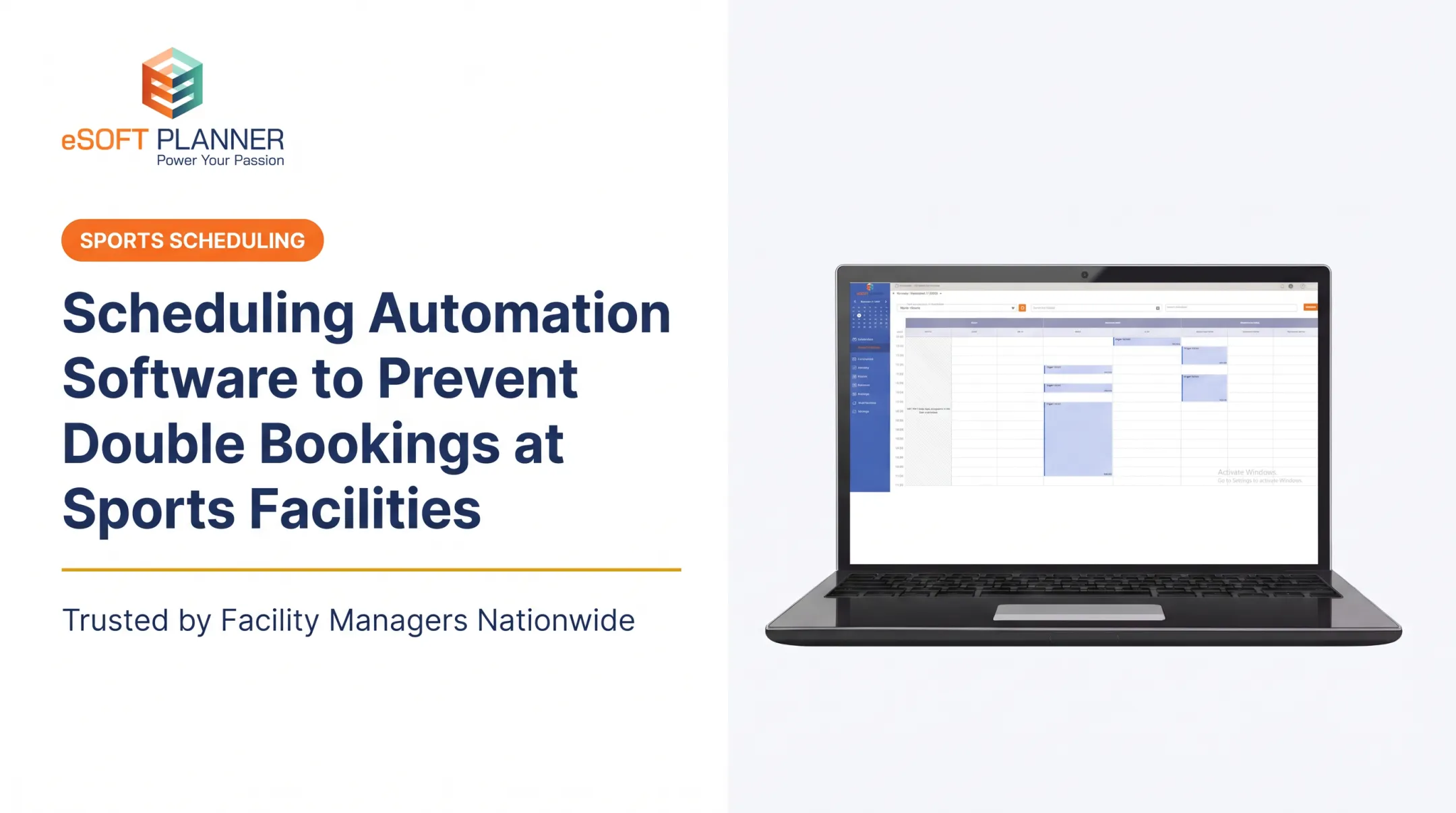
A shared, real-time view lets the system check related resources before confirming any class, lesson, rental, or appointment. eSoft Planner's platform, for example, verifies both instructor and space availability in a single booking step, so a session can't be confirmed if either one is already committed elsewhere.

Several mechanisms stop conflicts from repeating across a series of bookings:
- Recurring-booking rules that apply changes consistently
- Buffer times for setup and cleanup between sessions
- Waitlists for classes at capacity
- Hard capacity limits tied to room or field specifications
Versailles High School in Ohio replaced paper calendars and single-person-access scheduling with a centralized system. The result: zero facility overbookings in over a year, with no coach complaints about facility conflicts, per a SportsKey customer account. It's a vendor-published case, not an industry-wide study, but it illustrates the practical difference between manual and automated conflict checks.
Metrics worth tracking: double bookings, overlapping assignments, over-capacity sessions, rescheduling requests, and resource utilization.
This matters most during peak seasons such as camps, tournaments, and swim lesson blocks, when a facility is coordinating several rooms, courts, fields, or lanes simultaneously.
Improve Communication, Visibility, and Scalability
Automated confirmations, reminders, and change notifications cut down on phone calls, email chains, and the kind of individual follow-up that eats a staff member's entire morning. Staff, instructors, customers, and managers all work from the same current schedule instead of guessing which spreadsheet version is accurate.
This connects directly to growth. Adding programs, instructors, or recurring classes shouldn't require a matching increase in manual coordination. eSoft Planner's flat subscription pricing reflects this directly: it doesn't go up as a facility adds customers or staff, which matters when you're trying to scale without ballooning admin overhead.
Better visibility also speeds up exception handling. Finding an available instructor after a cancellation, or spotting an open space during a rush, takes seconds instead of a round of phone calls.
Communication follows the same pattern. When a facility change is entered in a shared system, the people affected can be alerted soon after the update instead of waiting for someone to work through a call list. That speed gap between manual and system-driven alerts is one of the clearest everyday benefits of automation.
Metrics worth tracking: administrative hours, response times, front-desk inquiries, customer satisfaction, and staffing utilization.
Visibility and scalability matter most when owners are expanding programs, adding locations, or accepting online bookings for the first time.
What Happens When Automated Scheduling Software Is Missing or Ignored
Manual processes can look manageable at low volume. A single instructor with ten weekly bookings doesn't need automation. But add staff, customers, and recurring sessions, and that same system becomes fragile fast.
Here's what tends to happen:
- Double bookings and overlapping assignments force staff into reactive mode, sometimes requiring refunds, discounts, or last-minute instructor swaps
- Outdated availability data creates unfilled classes, unavailable instructors, and missed time-off requests that leave coverage gaps
- Fragmented communication leaves customers and staff working from different versions of the schedule, which drives up confusion and no-shows
- Manual data entry and repeated changes consume time that could go toward member service or program development
- Limited visibility makes it hard to measure utilization or spot recurring causes of errors as the business grows
One municipal parks department found its Parks & Recreation Assistant spending 24-30 hours a week on the phone coordinating facility reservations before switching to a centralized system, according to CivicPlus. That's coordination time, not error-correction cost specifically, but it's a real measure of how much manual scheduling can absorb from a small team.
How to Get the Most Value from Automated Scheduling Software
Software only improves scheduling when it's configured around your actual operating rules and used consistently by everyone involved. A powerful platform configured with stale data will still produce unreliable schedules.
Establish Accurate Scheduling Data and Rules
Before anything else, maintain accurate records of:
- Instructor availability and staff roles
- Facility and equipment capacity
- Setup and cleanup time requirements
- Recurring program rules and booking limits
- Cancellation policies and approval permissions
Incomplete or outdated availability data undermines even the best platform.
Use Automation Consistently Across the Whole Journey
Run online booking, schedule changes, confirmations, reminders, and waitlists through one primary system. Splitting the process across spreadsheets, email, and side calendars creates a manual workaround that bypasses the system's conflict checks entirely, which defeats the purpose.
Review Outcomes and Improve the Workflow
Establish a baseline before launch, then track double bookings, corrections, no-shows, admin hours, and response times afterward. When exceptions or recurring conflicts show up, treat them as a pattern to fix in your rules or training, not a one-off mistake to shrug off.

Choose Software That Fits the Facility
Use this checklist when evaluating platforms:
- Real-time conflict prevention across instructors, rooms, and equipment
- Online booking for customers, available 24/7
- Recurring schedule support with individual-event edits
- Capacity and resource management, including waitlists
- Automated notifications for confirmations and changes
- Reporting, mobile access, and integrations
- Data security and implementation support
eSoft Planner was built out of firsthand experience running a sports training facility, which is why it's designed as a modular, configurable system rather than a rigid template. It starts at $39 a month with a-la-carte modules, so facilities pay for what they actually use. The right fit comes down to whether the system reduces scheduling friction for your specific operation and whether your staff actually adopts it.
Conclusion
Automated scheduling software gives activity-based businesses more control, visibility, and consistency across staff, customers, facilities, and resources. Error reduction and conflict prevention deliver practical results: fewer corrections, clearer communication, more dependable bookings, and staff time spent with customers instead of cleanup.
None of this is a one-time fix. Facilities that get the most value keep their data accurate, review outcomes regularly, and adjust their rules as programs and customer needs change.
Frequently Asked Questions
What is the most effective scheduling method?
The most effective method combines a centralized automated system with accurate availability data, clear resource rules, and real-time conflict checks. The right configuration still depends on your facility's size and scheduling complexity.
What are the primary uses of scheduling and work management software?
These platforms handle schedule creation, staff and resource coordination, online booking, availability tracking, reminders, waitlists, reporting, and conflict prevention, all from one system.
How does automated scheduling software prevent double bookings?
A centralized calendar checks every proposed booking against instructor, room, equipment, and capacity constraints in real time, before the booking is confirmed rather than after.
Can scheduling software prevent conflicts between instructors and facilities?
Yes, provided the facility's availability data and booking rules are configured correctly. The software coordinates instructor schedules with rooms, courts, fields, and equipment simultaneously.
Is automated scheduling software worthwhile for a small activity-based business?
Often, yes. Small facilities benefit when manual corrections or booking volume consume real staff time. Compare software cost against what those hours actually cost you.