Many facility owners juggle paper sign-up sheets, a separate online calendar, and a text thread with instructors just to keep the week running. It's a system held together by memory and good luck, and it breaks the moment the business grows.
Cloud-based facility management software replaces that patchwork with one centralized, web-hosted system accessible from any device. This article covers what it actually does, the benefits worth caring about, the features to look for, and how to choose and implement a system without wasting six months on the wrong one. Gyms, swim schools, dance studios, and sports complexes are making this switch for one simple reason: it saves time and cuts down on costly errors.
Key Takeaways
- Cloud-based facility management software centralizes scheduling, bookings, and admin tasks in one system
- Real-time booking and synced calendars eliminate double bookings and cut phone/email back-and-forth
- Automated billing improves cash flow by cutting down missed payments and no-shows
- Configurability, mobile access, and responsive support beat a long feature list
- Purpose-built platforms like eSoft Planner fit scheduling-based businesses better than generic maintenance software
What Is Cloud-Based Facility Management Software?
Cloud-based facility management software is a web-hosted system that runs off-site and works from any device with an internet connection. No servers to maintain, no software to install, no IT department required. It replaces on-premise systems and, more often, replaces the spreadsheet-and-sticky-note combo most small operators start with.
Not all "facility management" software does the same job, though. There are three distinct categories:
| System | What it handles | Best for |
|---|---|---|
| CMMS | Maintenance work orders, preventive maintenance, asset upkeep (IBM) | Facilities with heavy equipment or maintenance needs |
| CAFM | Space, occupancy, and broader facility operations (IBM) | Large corporate real estate portfolios |
| BMS | Mechanical and electrical building systems like HVAC | Building-wide equipment control |
If you run a swim club or a baseball academy, none of these are your actual problem. Your inventory is time and space: lanes, courts, instructors, and classes. What you need is booking and scheduling management, not asset tracking.
That's the gap that purpose-built platforms like eSoft Planner fill. They're built around lessons, rentals, camps, and team scheduling rather than equipment maintenance logs.
Cloud adoption is already mainstream. A U.S. survey by Public First found that 51% of businesses use some form of cloud service, though companies with fewer than 10 employees are half as likely to use cloud tools as larger firms. Small operators aren't behind by choice. They've often just lacked software built for their specific workflow.
Key Benefits of Cloud-Based Facility Management Software
The value shows up fast once a facility moves off spreadsheets.
Eliminates double bookings. A centralized calendar shows every instructor, room, and resource in real time. Systems like eSoft Planner validate space and instructor availability automatically before confirming a booking, so two families can't accidentally reserve the same swim lane at 4pm on a Tuesday.

Real-time online booking. Customers see live availability and book lessons, classes, or rentals themselves, day or night. That cuts the phone tag and email chains that eat front-desk hours.
Automates admin tasks. Invoicing, payment reminders, and data entry run without manual busywork. That's hours back every week for staff who used to chase down paperwork.
Steadier cash flow. Automated recurring billing, upfront payment at registration, and expiring-card alerts reduce missed payments.
Scales without new infrastructure. Adding a second location or doubling your student count doesn't require new servers or hardware. The cloud vendor handles capacity.
Access from anywhere. Managers can check the schedule, review revenue, or approve a refund from a phone at a tournament three states away.

Must-Have Features & Dashboard Essentials
A good facility management dashboard is a quick, visual snapshot of what's happening across your facility right now.
What a Strong Dashboard Shows
Look for:
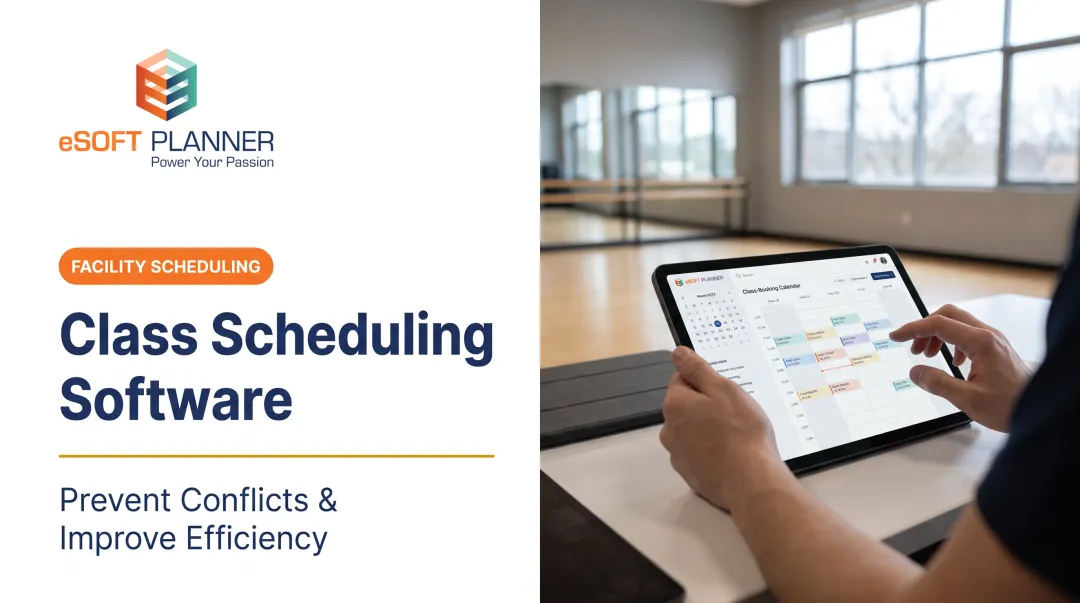
- A color-coded calendar view across staff, rooms, and locations
- Real-time check-in/check-out and occupancy tracking
- Revenue snapshots by program, membership, or rental category
- Attendance trends compared against projected numbers
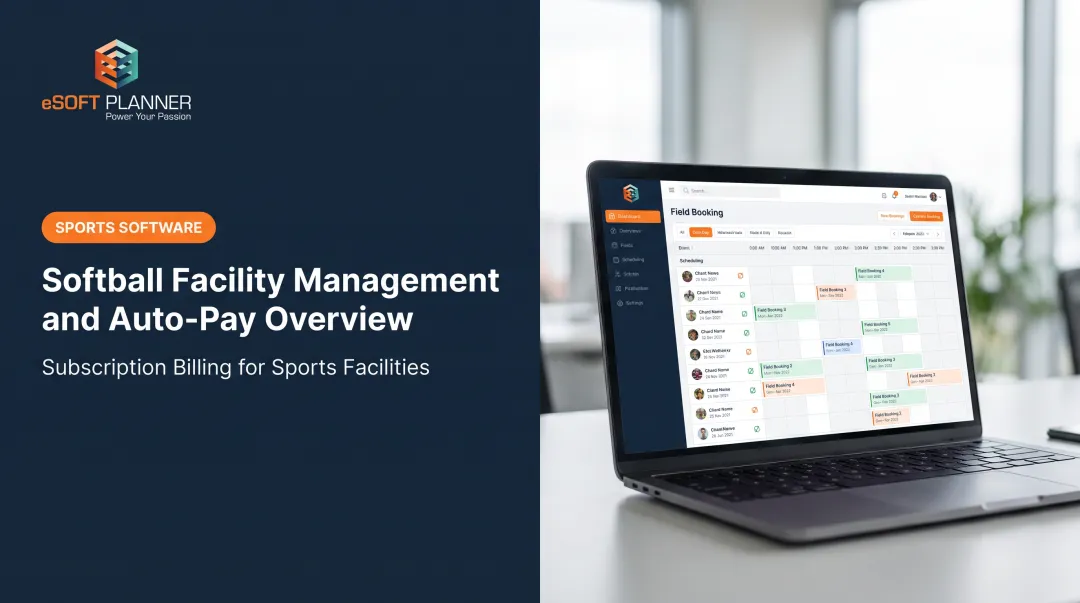
eSoft Planner's dashboard, for example, pulls together program, member, staff, and resource calendars in one view, with real-time check-in logging so a manager knows exactly who's in the building.

Configurable Modules
You shouldn't pay for maintenance-tracking tools if all you need is lesson scheduling. Look for a la carte pricing where modules like scheduling, POS, memberships, and access control are separate line items.
eSoft Planner offers 11 specialized modules this way. A dance studio pays for classes and packages; a swim club adds swim-team management and access control.
Mobile Access & Reporting
Staff and customers both need mobile access for checking schedules, rescheduling lessons, or paying balances from a phone. Pair that with reporting on attendance, revenue by program, and staff hours. You get the data to set pricing and staffing with confidence instead of guessing.
Best Practices for Choosing Cloud-Based Facility Management Software
Before you compare vendors, clarify how your facility actually runs:
- Map your facility type's needs. A tennis club managing court rentals looks nothing like a music school running weekly lessons. List your specific booking patterns first.
- Prioritize configurability over rigidity. A one-size-fits-all platform forces you into workarounds. A modular system adapts to how you already operate.
- Confirm pricing terms. Look for flat-rate, no-contract pricing so costs don't balloon as you add students or staff.
- Check support quality. Ask about U.S.-based support, response times, and whether you get a dedicated contact.

Why support quality decides adoption
Support matters more than most buyers expect. McKinsey research on large-scale transformations found failure rates around 70%, largely tied to poor employee buy-in and unclear reasons for change.
Software rollouts stall when staff aren't guided through the change. A named onboarding contact and responsive U.S.-based support aren't nice-to-haves—they're the difference between adoption and abandonment.
Best Practices for Implementing and Getting the Most Out of Your Software
Buying the right software is half the job. Rolling it out well is the other half.
- Involve staff early. Front-desk staff and instructors resist change less when they help shape the workflow—bring them into demos before launch day.
- Migrate data carefully. Move customer records, schedules, and membership details with vendor support rather than starting from scratch. Most platforms can import existing customer and schedule data during setup.
- Review dashboard reports regularly. Use attendance and revenue data each month to refine pricing, staffing, and program offerings—don’t glance once and forget it.
- Lean on your onboarding team. eSoft Planner assigns every new client a personal customer success manager for setup, staff training, and hands-on support through the first six weeks after launch.
- Stage the rollout. Start with one program, test payments and cancellations, then expand once staff are comfortable—don’t flip every feature on at once.
Frequently Asked Questions
What are CMMS, CAFM, and BMS, and which are commonly used for facilities management?
CMMS manages maintenance work orders, CAFM covers space and facility operations, and BMS controls building equipment like HVAC. CMMS and CAFM are common in traditional facilities management, but scheduling-based businesses typically need specialized booking software instead.
What are the benefits of using cloud-based facility management software?
It eliminates double bookings, lets customers book online in real time, and automates billing to reduce missed payments. The result is fewer administrative hours and steadier cash flow.
What is a good dashboard for facility management software?
A strong dashboard shows real-time bookings, occupancy, revenue by program, and attendance trends at a glance. It should let a manager understand the day's operations in under a minute.
Is cloud-based facility management software secure?
Reputable providers use encrypted connections, secure servers, and regular monitoring to protect data. For example, eSoft Planner encrypts every page with 256-bit SSL and restricts physical and digital server access.
How much does cloud-based facility management software cost for small businesses?
Pricing varies by modules used, but flat, no-contract pricing models exist for small operators. eSoft Planner, for instance, starts at $39 per month with a la carte modules added as needed.
Can cloud-based facility management software integrate with existing tools?
Most platforms integrate with payment processors, business websites, and communication tools for email and text reminders. Confirm specific integrations with your vendor before signing up, since supported tools vary by platform.