Many facility owners find themselves patching together different systems. This often creates more work, from manually matching payments to bookings to chasing down failed membership renewals. The solution isn't just any credit card payment app; it's finding one that integrates seamlessly with your entire operational workflow.
This guide is for facility operators, not consumers looking to pay a personal bill. We'll explore how a merchant payment app should work for your business, what facility-specific features matter most, and how to evaluate costs and security. The goal is to turn payments from a chore into a smooth, automated part of your scheduling process.
Key Takeaways
- Choose a payment app that supports your facility’s full range of transactions: in-person, online, recurring, and mobile.
- The greatest value comes from connecting payments directly to scheduling, registration, customer records, and reporting.
- Compare the total cost, including software fees, hardware, transaction rates, and the staff time spent on manual tasks.
- Confirm security protocols, user permissions, support quality, and payout timing before committing to a provider.
How a Credit Card Payment App Works for Sports Facility Transactions
A credit card transaction seems simple on the surface. A customer chooses a class, membership, or rental, and the app captures their payment details.
The processor then sends an authorization request to the customer's bank. Once approved, the funds are deposited into your account, minus any fees. For a sports facility, the details behind that flow matter most.
Card-Present vs. Card-Not-Present
Transactions are typically split into two main categories, each with different rates and security considerations.
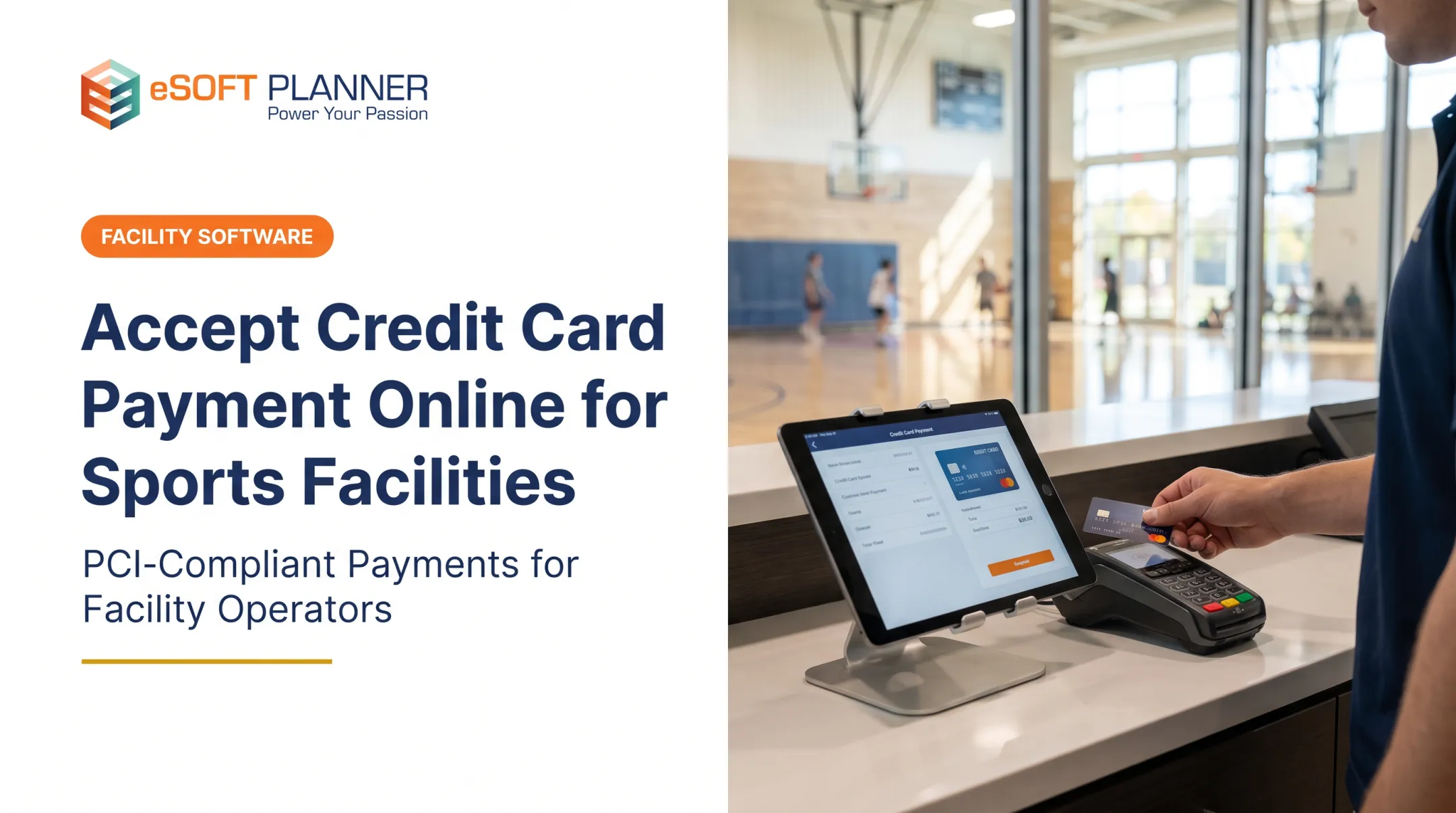
- Card-Present (CP): The customer physically presents their card at your facility. This includes using a chip reader, tapping a card or phone (contactless), or swiping. These transactions happen at your front desk, a pro shop, or even a mobile station at a tournament.
- Card-Not-Present (CNP): The physical card isn't present. This covers online checkout for a camp, paying an emailed invoice, or entering card details over the phone. According to the Federal Reserve's 2022 glossary, even keying in a card number for a customer standing at your front desk is considered a CNP transaction.
A modern payment app should handle both types seamlessly, as your facility likely needs to accept payments everywhere from your website to your front desk.
Connecting Payments to Your Operations
Accepting a payment is only half the battle. The real efficiency comes when that payment data automatically updates your operational records. When a parent pays for a swim class, the system should instantly:

- Link the payment to the correct family account and child.
- Mark the class spot as filled, reducing capacity in real time.
- Update the roster for the instructor.
- Generate a receipt for the customer.
Without this integration, staff end up reconciling spreadsheets by hand. That leads to double bookings, inaccurate availability, and hours of admin work.
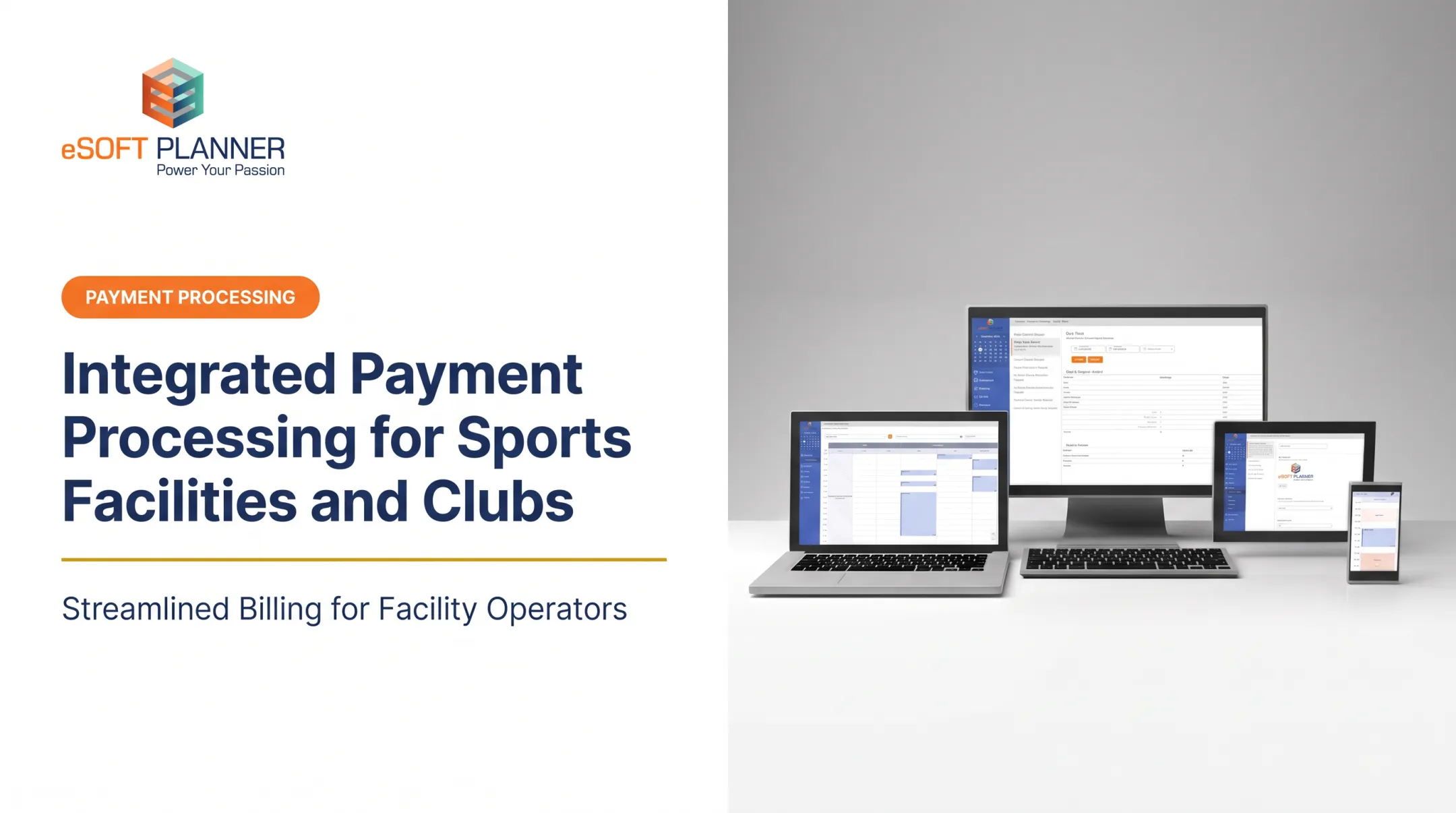
A unified platform like eSoft Planner ties payment data to operations so the schedule, client record, and financial report update automatically. That support matters when you manage multiple revenue streams, such as:
- Recurring monthly memberships or tuition
- Lesson packages and private training sessions
- Camps, clinics, and workshops
- Team program fees and tournament registrations
- Court, field, or lane rentals
- Pro shop merchandise and concessions
- Deposits and late-cancellation fees
Features to Prioritize in a Sports Facility Payment App
A generic payment app or a simple card reader might work for a coffee shop, but a sports facility has unique needs. Your business relies on recurring programs, complex schedules, family accounts, and multiple revenue streams. Your payment solution should support that complexity, not add to it.
Payment Methods and Channels
Your app should accept the ways your customers want to pay. Look for support for all major credit and debit cards, as well as mobile wallets like Apple Pay and Google Pay. Ensure the provider offers a mix of transaction channels relevant to your business:
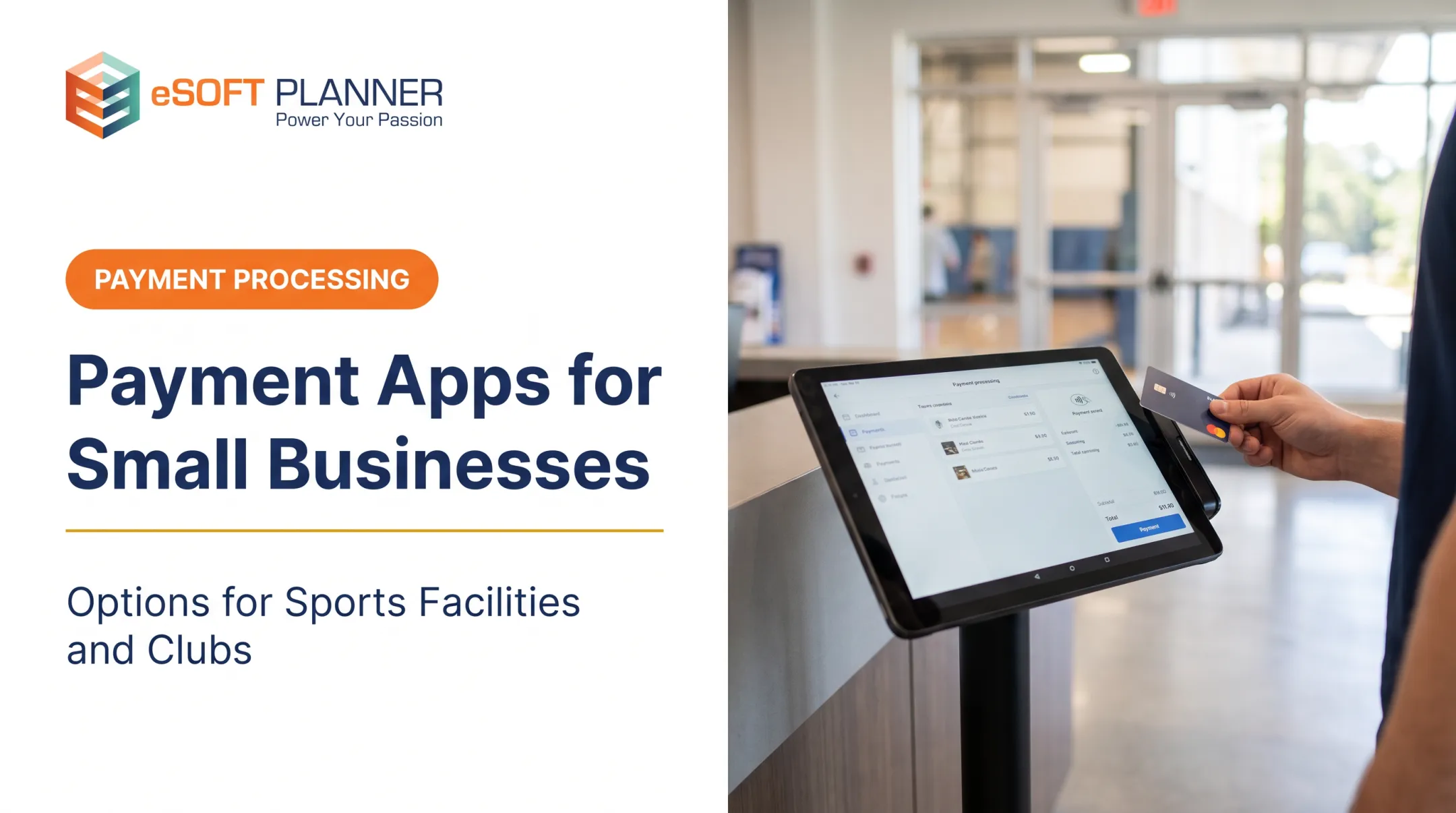
- Card readers for in-person tap, chip, and swipe payments.
- Online checkout for your website or customer portal.
- Invoices and payment links that can be emailed to clients.
- Card on file storage for future or recurring charges.
Before committing, verify that the software and hardware are compatible with your facility's existing phones, tablets, and computers.
Recurring and Scheduled Payments
This is a non-negotiable feature for most facilities. Automated recurring billing is the engine behind memberships, monthly tuition, and subscription plans. Don't just ask if a provider offers it; ask for specifics on how it works:
- How does the system handle failed payments? Does it retry automatically?
- What happens when a customer's card expires? Are they notified?
- How easy is it to pause or cancel a recurring plan?
- Can the system handle prorated charges for mid-month signups?
For example, some processors offer smart retry logic that attempts to charge a failed card multiple times over a set period before flagging it for staff intervention.
Registration and Scheduling Connections
A payment is almost always tied to a spot in a class, a court reservation, or a camp enrollment. The payment app must communicate directly with your scheduling system.
A deeply integrated system ensures that a successful payment automatically updates enrollment counts, waitlists, and resource availability. It should also handle exceptions without forcing staff to adjust records in multiple places:
- Partial payments and deposits
- Account credits
- Cancellations and refunds
Customer and Staff Management
Your payment system holds sensitive information and is a key touchpoint for both clients and employees. Key features include:
- Family or household profiles that link multiple members to a single paying account.
- Securely saved payment methods (tokenized by the provider) so clients don't have to re-enter details every time.
- Role-based staff permissions to control who can issue refunds, view financial reports, or access sensitive data.
Grant access on a need-to-know basis, consistent with guidance in the PCI DSS v4.x Quick Reference Guide.
Reporting and Reconciliation
Good reporting saves countless hours of administrative work. Instead of exporting data into spreadsheets, your payment app should give you instant access to:
- Daily settlement and deposit reports.
- Searchable transaction histories.
- Reports on refunds, disputes, and failed payments.
- Breakdowns of revenue by program, instructor, or location.
Automated reporting helps you quickly compare collected revenue against scheduled activity, giving you a clear picture of your facility's financial health.
How to Choose the Right App for Your Facility
Selecting the right payment app starts with your facility's specific needs, total costs, and operational fit, not just a low transaction rate.
Start with Your Facility's Transaction Map
Before you look at any providers, map out every way you collect money. Make a list of:
- What you sell: Memberships, classes, private lessons, camps, rentals, merchandise, concessions.
- Where you sell it: At the front desk, on your website, via a mobile device at an event, over the phone, or through an invoice.
This map is your blueprint. Any app you consider must be able to handle every scenario on your list.
Compare Total Cost of Ownership
A low headline transaction rate can be misleading. The true cost of a payment system includes many components. When comparing providers, look at the complete picture:
- Processing Fees: What are the rates for in-person versus online transactions? Are there different rates for different card types?
- Software Fees: Is there a monthly subscription for the software? Some providers, like Square, introduced plans in 2025 with tiers ranging from free to over $100 per month per location, as detailed in Square's 2025 announcement.
- Hardware Costs: What is the price for card readers, terminals, or other equipment?
- Other Fees: Ask about charges for chargebacks, refunds, and payouts.
- Contract Terms: Are you locked into a long-term contract? Are there cancellation fees?
The cheapest app might be the one with a slightly higher transaction fee but a flat monthly subscription and deep integration that saves your staff ten hours a week. For instance, eSoft Planner offers a flat subscription model that doesn't increase as you add more customers or staff, making costs predictable as you grow.

Evaluate Operational Fit and Integration
This is the most important step. Does the payment app connect with the other software you use to run your business?
- Ask if it integrates directly with your scheduling, registration, and membership management tools.
- Confirm what data syncs automatically and what remains a manual process.
- Find out how quickly the systems update. Is it in real time?
A payment app that doesn't talk to your scheduling software is just a digital cash register. A solution like eSoft Planner integrates payments into one central hub for managing your entire operation.
Evaluate the Customer Experience
A clunky payment process can deter customers. Test the experience from their perspective.
- Is the online checkout mobile-friendly and easy to navigate?
- Can customers securely save their payment information for faster booking next time?
- Do they receive automatic receipts and payment reminders?
- Are cancellation and refund policies clear and easy to follow?
A smooth payment journey reduces friction, minimizes questions for your front-desk staff, and helps customers complete their registrations with confidence.
Where eSoft Planner Fits in the Payment Workflow
Choosing a payment processor shouldn't happen in a vacuum. It should be evaluated alongside your core scheduling and facility management system, because collecting money is just one piece of the puzzle.
eSoft Planner is a scheduling and management platform built from firsthand experience running a sports training facility. We built it after wrestling with spreadsheets and generic calendars that couldn't handle the complexities of our business.
It addresses the operational challenges facilities like yours face every day.
While we integrate with trusted payment processors, our primary focus is the full workflow. We help you:
- Eliminate double bookings with real-time online scheduling and resource management
- Reduce administrative work by automating registration, invoicing, and waitlist management
- Gain clear visibility into operations with configurable workflows and detailed reporting
Your software should adapt to how you run the business. We offer a modular approach with a flat subscription price, so you only pay for the features you need. Pricing does not rise when you add staff or customers.
Because we're based in the U.S., you get unlimited, consultative support from a team that understands your industry.
If you run a sports academy, swim club, gymnastics center, or similar activity-based business, we invite you to discuss how your scheduling, registration, and payment workflows can be unified.
Implementation Checklist for a Smooth Launch
Switching payment systems or launching a new one requires careful planning. Follow this checklist to ensure a smooth transition for your staff and customers.
- Prepare Your Requirements: Before opening an account, gather your business information, banking details, and tax ID. Document your refund and cancellation policies and decide which staff members will need access to the system.
- Configure the Customer Journey: Map out the entire process from a customer's perspective. Set up your programs, pricing, discounts, and deposit rules. Configure automated payment confirmations, waivers, and clear receipts so customers know exactly when their booking is confirmed.
- Test Operational Edge Cases: Don't just test a successful transaction. Run tests for declined cards, expired cards, partial and full refunds, failed recurring payments, and interrupted connectivity so staff know how to handle problems before a real customer hits them.
- Train Staff and Establish Controls: Create clear procedures for common tasks like issuing a refund, correcting a customer's bill, or handling a payment dispute. After launch, review daily reports against registrations and attendance to confirm everything reconciles automatically.

Frequently Asked Questions
What is the best app for accepting credit card payments?
The best app depends on your facility's needs: in-person vs. online transactions, recurring billing, and how well it integrates with your scheduling software. Compare options against your workflows, not popularity alone.
What is the best app to manage credit card payments?
Managing payments goes beyond accepting them. Look for an integrated platform with transaction search, recurring billing, refunds, detailed reporting, and role-based staff permissions.
What payment apps accept credit cards?
Most modern merchant payment apps accept all major credit and debit cards. They typically process payments through mobile devices with card readers, online checkout pages, or emailed payment links. Always verify the supported payment methods and current fees with the provider.
How can I accept credit card payments online or on my phone?
Accept payments online through a hosted checkout page or secure payment links. For in-person mobile payments, use a card reader on your phone or tablet, or tap-to-pay.
How do I set up a credit card machine?
Open a merchant account, choose compatible hardware, and connect the reader to your device and the internet. Configure the software, run test transactions, and set staff permissions before going live.
What apps let you pay in installments (pay over time)?
Some providers offer "buy now, pay later" (BNPL) options, but availability varies. These are separate from standard credit card processing and involve different fees, settlement times, and customer eligibility rules. Always verify the terms before offering it to your clients.