Many facility owners struggle with this exact problem: separate systems for memberships, pro-shop sales, and private lessons that don't talk to each other. Staff re-enter the same data into three places, and nobody is quite sure who still owes money. A good payment app reduces checkout friction, speeds up collection, and lets staff take payment away from a fixed front desk, whether that's courtside, poolside, or at a rental counter.
This guide breaks down what payment apps actually do, the main categories available to sports facilities, and the criteria that matter most when choosing one that's secure and built to scale.
Key Takeaways
- Payment needs vary by transaction type, so match the app to each specific workflow, not the other way around.
- Tap to Pay and mobile readers handle front-desk and event-day sales; links, invoices, and recurring billing cover memberships and remote payments.
- Total cost includes payout timing, refund handling, and chargeback fees, not just the advertised rate.
- Connect payment tools with scheduling and registration instead of running them as a separate silo.
What Are Payment Apps for Small Businesses?
A payment app is software that lets a business request, accept, authorize, record, and receive electronic payments. It can run on a phone, tablet, or computer, work through a payment link or invoice, or connect to a card reader. According to Stripe's guide, this is software installed on a mobile device that lets a business accept credit-card payments directly from that device.
A few related terms get used interchangeably:
- Payment app: The software that staff or customers interact with to send or receive money
- Payment gateway: The system that encrypts and transmits transaction data between the checkout and the processor
- Merchant account: The bank account that actually holds and moves the funds
- POS system: Hardware and software combined, covering payment plus sales tracking
- Facility-management platform: Broader software where payment is one feature among many, alongside scheduling and registration
For a sports facility, these tools show up constantly: a front-desk card swipe for a drop-in guest, an online registration payment for a camp, a recurring charge for monthly membership dues, or an emailed invoice for a facility rental deposit.
Why Payment Apps Matter for Sports Facilities and Clubs
Digital payment collection directly affects daily operations. Facilities that move away from cash boxes and paper logs typically see fewer manual reconciliations, clearer visibility into who owes what, and steadier cash flow heading into each season.
The alternative creates real problems. Disconnected tools lead to:
- Duplicate data entry between a registration form and a separate payment terminal
- Missed payments that nobody notices until a parent asks about a balance
- Refund records that don't match what actually happened at checkout
- Staff confusion over who has paid for a program versus who still owes
This is where integration with scheduling and registration becomes valuable. A platform like eSoft Planner is built around configurable scheduling and facility management, with payment collection tied to memberships, lessons, camps, and rentals in one place, rather than existing as a separate add-on. Facilities evaluating any option should confirm exactly which payment integrations and capabilities a given provider currently supports before committing.

Types of Payment Apps for Sports Facilities and Clubs
No single app covers every scenario a facility faces. The right mix depends on how customers pay, when the payment happens, and how closely the tool needs to connect with your other systems.
Tap-to-Pay and Mobile Card Reader Apps
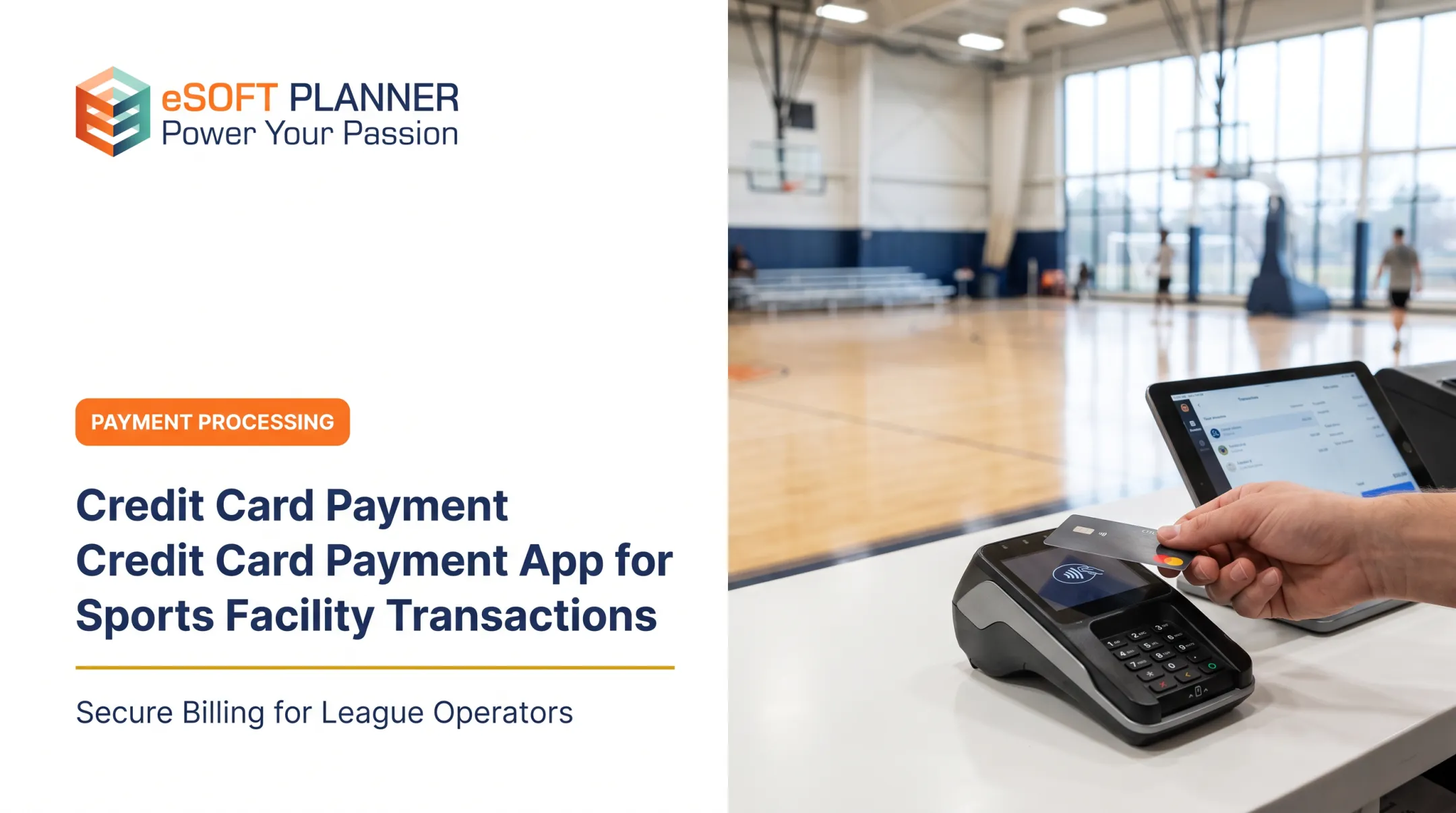
Tap to Pay turns a compatible smartphone or tablet into a contactless card terminal, accepting tapped cards and digital wallets without extra hardware. According to Apple's developer documentation, this requires an iPhone XS or later running the latest iOS. Stripe's Android implementation calls for Android 13 or newer with specific security requirements. Mobile card readers, by contrast, plug into or pair with a device and typically add chip and swipe capability.
For sports facilities, these tools fit:
- Front-desk check-in for drop-in guests or day passes
- Pro-shop and concession sales during games
- Tournament and clinic registration tables
- Traveling teams collecting fees on the road
- Pop-up or temporary event locations
Strengths include portability and fast setup; a coach can take a payment courtside in seconds. Limitations include device compatibility requirements, dependence on a stable connection, limited recurring-billing support, and the fact that card-present and card-not-present transactions are often priced differently.
Payment Link, Invoice, and Online Checkout Apps
When a customer isn't physically at the facility, staff can send a payment link or invoice by email or text, embed checkout on a website, or use a QR code. Square's invoicing documentation notes that invoices track paid, unpaid, and overdue status and send automatic reminders before and after the due date.
These tools work well for:
- Deposits on facility rentals or tournament spots
- Private lesson fees billed after the session
- Team fees collected from multiple families at once
- Outstanding balances that need a gentle nudge
- Remote registrations where the customer never visits in person
Before picking a provider, compare invoice customization options, reminder frequency, payment-status tracking, and whether a paid invoice automatically updates your registration or accounting records. A link that collects money but doesn't sync anywhere just creates a new manual step.
Recurring Billing and Membership Payment Apps
Recurring billing automates monthly dues, subscription-based training, and installment plans. Stripe's billing documentation describes up to eight retry attempts over two weeks for failed card payments, while ACH debit failures follow a separate, shorter retry window.
Sports facilities have specific needs here that generic billing tools don't always handle well:
- Variable plans across different programs or age groups
- Family or household accounts covering multiple kids
- Defined start and end dates, freezes, and mid-season upgrades
- Prorated charges for mid-month sign-ups
- Clear, documented authorization records for every recurring charge
Recurring billing cuts down on administrative follow-up, but it shifts the burden toward getting consent right the first time and having a plan for expired or declined cards. eSoft Planner's membership tools are built around these exact variables, letting facilities set custom plans, family accounts, and automated billing schedules rather than forcing every program into one rigid structure.
Integrated Payment and Facility-Management Platforms
There's a real difference between bolting a standalone payment app onto your current setup and using a platform where scheduling, registration, customer records, and payment collection already connect. A 2024 PYMNTS survey reported that 81% of small businesses using multiple disconnected systems expressed interest in integrated payments, though that figure measures interest rather than confirmed adoption among sports facilities specifically.
An integrated approach can reduce duplicate entry and let staff see the full relationship between a booking, a participant, an outstanding balance, and attendance. eSoft Planner's modular platform, for instance, connects memberships, team registration, rentals, and POS under one login rather than requiring separate logins for each function.

Before switching, investigate:
- How much data migration the move actually requires
- Whether the new platform has feature gaps compared to your current tools
- How locked in you'd be if you wanted to switch processors later
- Whether it supports your existing accounting software
How to Choose the Right Payment App for a Sports Facility
The right choice comes down to your actual payment mix, staffing model, and customer journey, not which app is most popular or has the lowest headline rate.
Start With the Facility's Payment Scenarios
Map out every way money comes in: memberships, classes, camps, lessons, rentals, tournaments, retail, concessions, deposits, and remote invoices. For each category, estimate roughly what share is in-person, online, recurring, or cash. Flag which transactions regularly need refunds, partial payments, or payment plans.
This exercise usually reveals that one tool can't cover everything, and that's fine. It's the starting point for building the right combination.
Compare Total Cost and Cash-Flow Impact
Don't stop at the advertised transaction rate. Published provider documentation shows real differences by channel: Square's published rates list in-person card transactions at one rate, with higher rates for online or invoice payments and manually entered cards, plus a separate ACH rate.
Model costs against:
- Your average transaction size and monthly volume
- How much revenue comes through recurring billing versus one-time payments
- Your typical refund rate
- Seasonal peaks, like camp season or tournament weekends
Also check payout timing, whether a reserve or account hold could apply to your account, and whether settlement reports make it easy to match a deposit to a specific program.
Check Sports-Facility Features and Integrations
Prioritize features that match how your facility actually operates:
- Recurring billing and payment plans for memberships and installment programs
- Family or household accounts so one login covers multiple kids
- Digital receipts, refunds, and credits handled without a manual workaround
- Saved payment methods for faster repeat checkout
- Automated failed-payment notifications so staff aren't chasing declines manually
Then confirm the integration depth: is it real-time, one-way, or dependent on manual exports? Check staff permissions too, since front-desk staff, coaches, and finance staff usually need different levels of access.
Evaluate Usability, Support, and Scalability
Test the full workflow before committing: create a charge, send an invoice, take a payment, issue a refund, find a receipt, correct an error, and reconcile the transaction against your reports. If any of those steps take more than a minute or two, that's a problem you'll feel daily.

Review device compatibility, onboarding time, and customer support hours. Also think ahead: can this system handle more programs, more staff, or a second location without forcing a costly replacement in two years?
What to Check Before Finalising a Payment App
What to Check Before Finalizing a Payment App
A few final checks prevent costly surprises down the road.
- Don't choose based on familiarity or a low advertised rate alone. Confirm the full pricing model and what's included at each plan tier.
- Understand that cost varies by payment route. Card-present, online, invoice, recurring, ACH, and manually keyed transactions often carry different rates and risk levels.
- Confirm security responsibilities clearly. The PCI Security Standards Council states that PCI DSS compliance applies to merchants regardless of size or transaction volume, so facility size doesn't exempt you.
- Run a small pilot covering registration, payment, receipt, refund, a failed payment, and report export before rolling the tool out facility-wide.
- Document a backup plan for internet outages, declined cards, and customers who need an alternative payment method on the spot.
eSoft Planner's integrated credit-card processing includes yearly PCI compliance check-in reminders for facility owners, which helps keep this requirement from falling through the cracks during a busy season.
Conclusion
Payment apps give sports facilities and clubs a more convenient way to collect money across the front desk, the website, event days, invoices, and recurring memberships. No single app fits every club. Match your choice to the scenarios you actually run:
- Front-desk, online, and event-day collections
- Invoices and recurring memberships
- Total cost, security, and required integrations
- Room to grow as volume increases
Map your current workflows first, then compare providers against that map rather than a feature checklist. When you also need scheduling, registration, and payment collection in one place, a configurable platform like eSoft Planner can serve as the operational hub that ties those pieces together, not as a standalone payment processor.
Frequently Asked Questions
How can I accept payments as a small business?
Use in-person card readers or Tap to Pay for face-to-face transactions, online checkout or payment links for remote sales, and recurring billing for memberships. Connect all of these to your accounting or facility-management system so nothing needs manual re-entry.
How do I get Tap to Pay for my small business?
Choose a provider that supports Tap to Pay, then confirm your phone or tablet meets the required iOS or Android version and that the feature is available in your region. Create or verify your business account, then test a transaction and receipt before using it with real customers.
What is the best app for small business payments?
There isn't a universal best option. Compare your payment channels, recurring-billing needs, fees, hardware requirements, reporting, integrations, security, and support against how your facility actually operates day to day.
What payment gateway is best for small businesses?
A payment gateway handles the encrypted transmission of online transaction data, distinct from the broader payment app itself. The right one depends on your checkout needs, supported payment methods, recurring-billing support, fraud controls, and total cost.
What are the three types of mobile payments?
The three common types are proximity or contactless payments made in person, digital-wallet payments like Apple Pay or Google Pay, and remote payments made through an app, link, invoice, or QR code. Provider terminology for these categories can vary.