Why Sports Programs Need Better Class Enrollment Software
Running a swim school, soccer academy, or recreation center means juggling registrations, recurring class schedules, instructor availability, facility bookings, payments, and attendance tracking all at once. Many organizations still manage this through spreadsheets, paper sign-up sheets, and a handful of disconnected apps.
That approach breaks down fast. A spreadsheet doesn't know when a pool lane is double-booked. A paper waiver doesn't automatically trigger a payment reminder.
The right class enrollment software connects the customer's registration experience directly to the facility's day-to-day operations. A family signing up for Tuesday swim lessons and the staff member managing the pool schedule work off the same real-time data.
This guide covers what class enrollment software actually does, which features matter most for sports and recreation programs, how to evaluate providers, and how to roll out a new system without disrupting your current season.
Key Takeaways
- Class enrollment software should manage registration, capacity, scheduling, payments, attendance, and communication in one connected workflow
- Prioritize recurring-program support, waitlists, instructor and facility scheduling, family-friendly registration, and reporting
- Evaluate total cost, configurability, support quality, data handling, and scalability, not just a feature checklist
- A platform built around real sports facility workflows reduces double bookings and repetitive administrative work
What Is Class Enrollment Software for Sports Programs and Recreation Centers?
Class enrollment software is a platform that lets organizations publish programs, accept online registrations, manage rosters and capacity, collect payments, and communicate with participants, all from one system. Capterra's software guide describes this category as handling class schedules, student intake, enrollment confirmation, and online payments for educational or recreational courses.
That's a meaningfully different job than a basic online form, a shared calendar, an event ticketing tool, or a school student information system. Each of those solves one piece of the puzzle. A form collects sign-ups but doesn't track capacity. A calendar shows a schedule but doesn't process payments or manage waitlists.
Who actually uses this type of software?
- Sports performance facilities running clinics, camps, and private lessons
- Swim schools tracking lesson levels and instructor assignments
- Gymnastics, cheer, and dance programs with age-based class tiers
- Martial arts and fitness programs with recurring membership classes
- Youth organizations, park districts, and municipal recreation centers
Organizations relying on disconnected tools tend to run into the same problems:
- Duplicated data entry across systems
- Rosters that go stale the moment someone cancels
- Missed payments nobody notices until month-end
- Double-booked instructors or facility space
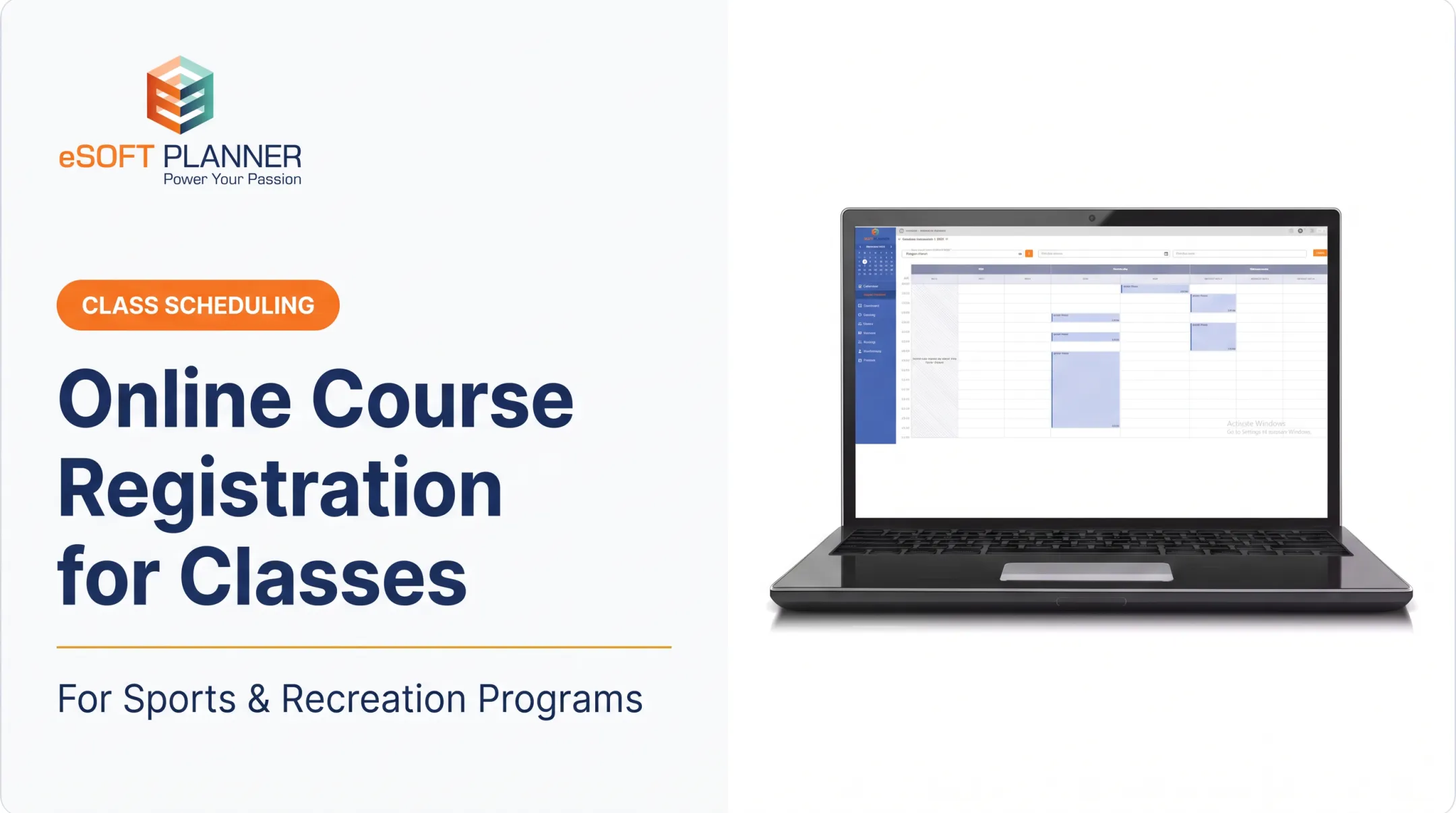
A soccer academy using eSoft Planner's Camps, Clinics & Classes module, for example, can create group or recurring-series classes, cap enrollment, restrict sign-ups by age or date, and automatically send email confirmations and text reminders from the same screen where the schedule lives.

That's the core difference: the front-end registration experience and the back-office administrative work run on the same data, not two separate systems someone has to reconcile by hand.
Essential Features to Look For in Class Enrollment Software
Feature priorities shift depending on your program model, but the platform should connect enrollment data with schedules, capacity, payments, and attendance rather than treating each as a standalone task. A swim school and a municipal rec center won't need identical setups, but they need the same underlying connectivity.
Class and Program Setup
Your software needs to flex across recurring classes, one-time clinics, camps, private lessons, and seasonal programs without rebuilding the workflow each time. Administrators should be able to set, per program:
- Capacity limits and registration deadlines
- Pricing, discounts, and client-classification rates
- Required forms, waivers, and custom registration fields (like t-shirt size or dietary notes)
- Age restrictions and prerequisite skill levels
A swim school, for instance, might need separate enrollment rules for beginner, intermediate, and advanced levels, each with different instructors, pool times, and pricing.
The same flexibility applies to camps and seasonal programs. eSoft Planner's camp tools let operators create as many sessions as needed, with distinct dates and times for each one, so a facility running six camp weeks doesn't have to recreate the setup from scratch every time.
Scheduling, Capacity, and Waitlists
This is where most spreadsheet-based operations fall apart. Real-time availability tracking, automatic capacity counts, and centralized scheduling prevent double bookings involving instructors, pools, courts, fields, or equipment.
What should happen automatically:
- When a class fills, the system should offer a waitlist instead of just closing registration
- When a participant cancels, the next waitlisted family should move up automatically
- When an instructor becomes unavailable, staff need visibility before a conflict reaches a customer
- When facility hours change, affected classes should flag for review
Amilia's 2026 benchmark report found that 66.4% of programs across its sample used a waitlist, and nearly half of all programs were filled to 90-100% capacity. For busy facilities, waitlist management is a near-constant operational need, not an optional extra.

Online Registration and Payments
Families expect to browse offerings, select the right class, complete waivers, and pay, all from a phone, without calling the front desk. Sawyer's industry report notes that 71% of parents book children's activities on mobile devices, which makes a clunky desktop-only registration flow a real liability.
On the payment side, look for:
- Deposits and installment or payment-plan options
- Discounts, account balances, and recurring billing
- Refund processing tied to the original registration
- Automatic receipts
Keeping payment and enrollment records connected matters more than it sounds. When a family pays, that payment should update their roster status immediately, not sit in a separate payment processor waiting for someone to cross-reference it manually.
Attendance, Rosters, and Participant Communication
Instructors need live rosters, not a printed sheet from registration day. That means real-time attendance tracking, check-in workflows, and visibility into emergency contact information and safety notes.
Automated communication should handle the repetitive stuff:
- Registration and payment confirmations
- Class reminders and schedule-change notices
- Waitlist movement alerts
- Renewal reminders for recurring programs
This is operational communication, not a full marketing automation suite. Most class enrollment platforms handle the "your class starts tomorrow" message well. Fewer handle sophisticated marketing campaigns, so don't assume that functionality is included unless a vendor explicitly confirms it.
Reporting, Integrations, Security, and Scalability
Useful reports typically include enrollment by program, capacity utilization, attendance, revenue, unpaid balances, and waitlist demand. These reports should pull from live data, not a monthly export someone has to manually assemble.
Security and access matter just as much:
- Role-based access so front-desk staff and finance staff see only what they need
- Secure, tokenized payment handling
- Clear data ownership and backup policies for participant records
On integrations, verify specifics directly with each vendor rather than assuming compatibility. Ask whether the platform connects with your website, accounting software, and payment processor.
Also check scalability: the system should handle more instructors, programs, or locations without forcing a migration later. eSoft Planner, for example, doesn't increase pricing as a customer base grows or as staff and locations are added.
How to Choose the Best Class Enrollment Software
Start with a needs assessment before you look at a single demo. List your current programs, registration rules, scheduling resources, payment processes, and reporting needs. Separate must-haves from nice-to-haves.
Involve more than just the administrator making the final call:
- Front-desk staff who handle registration questions daily
- Instructors who need schedule and roster access
- Finance staff managing payments and reconciliation
- A few representative families who can speak to the registration experience
Map your current process end-to-end: program creation, registration, payment, attendance, cancellation, refund, reporting. Wherever you find manual workarounds, that's where software should be doing the work instead.
Compare Platforms Against Practical Buying Criteria
Compare vendors on configurability, mobile experience, waitlist tools, scheduling conflict prevention, payment flexibility, reporting depth, and support quality. Don't just count features. Test them.
A highly specialized school or online-course platform may not handle facility resources or instructor scheduling at all. A general event-ticketing tool, meanwhile, often lacks recurring classes, attendance tracking, or family account management.
Request a workflow-based demo, not a feature tour. Ask the vendor to:
- Create a class with capacity limits
- Enroll a test participant and process payment
- Fill the class and trigger a waitlist
- Record attendance for a session
- Process a cancellation and refund
- Generate an enrollment or revenue report

If a vendor can't walk through all six steps live, that's useful information.
Evaluate Pricing and Total Cost of Ownership
Published pricing structures in this category vary widely. Sawyer's documented pricing, for example, lists separate monthly subscriptions alongside marketplace transaction fees that range from 15% to 30% depending on plan tier. That fee layer is easy to miss when you only compare headline subscription prices.
When comparing total cost, ask about:
- Setup or onboarding fees
- Payment processing rates
- Add-on module costs
- Charges tied to locations, staff count, or participant volume
- Contract length and cancellation terms
A low advertised price isn't a bargain if your staff still has to reconcile three separate systems for scheduling, payments, and communication. eSoft Planner takes an a-la-carte, configurable approach, with flat subscription pricing starting at $39 a month that doesn't increase as you add customers or staff. As with any vendor, confirm current pricing and which modules are included before signing anything.
Assess Support, Flexibility, and Provider Fit
Implementation and training quality matters more than most buyers expect going in. Capterra's research found that 34% of U.S. businesses regretted a software purchase because of onboarding or training difficulty. The figure is cross-industry, but it remains a relevant warning for any organization with limited administrative staff.
eSoft Planner was built by people who ran an actual sports training facility, which shapes how the platform handles real scheduling conflicts and seasonal program cycles. Every new client is assigned a personal customer success manager, support is U.S.-based, and there's no long-term contract requirement.
When evaluating any provider, ask directly:
- Who owns onboarding, and what's included versus billed separately?
- What's the typical support response time?
- How is data migration handled, and what gets migrated automatically?
- How are feature requests evaluated and prioritized?
Implementing Class Enrollment Software Successfully
A smooth rollout starts with ownership. Assign one internal implementation lead, and identify who's responsible for program setup, scheduling, payments, attendance, and customer communication during the transition.
Before migrating data, clean it up:
- Current program and pricing details
- Participant and instructor records
- Outstanding balances and payment history
- Waivers and facility schedules
Exact migration capabilities vary by provider, so confirm what transfers automatically versus what requires manual entry.
Build a realistic rollout plan:
- Configure the platform to match your program structure
- Run internal testing with staff before customers see it
- Train staff by role: front desk, instructors, and finance
- Soft-launch with one program or season before a full rollout
- Communicate the change to families in advance
- Set a full launch date with a fallback plan if issues surface

Test the complete participant journey yourself before launch:
- Registration and payment
- Confirmation delivery
- Hitting a capacity limit
- Joining a waitlist
- Canceling a registration
- Pulling a report
If something breaks for a test account, it will break for a real family.
After launch, measure adoption with indicators specific to your organization:
- Administrative hours saved
- Registration completion rates
- Payment collection speed
- Scheduling errors and support ticket volume
Staff feedback in the first 30 to 90 days is often the clearest signal of whether the new system is actually reducing manual work.
Build a More Manageable Enrollment Operation
Class enrollment software earns its keep when it connects what the customer experiences with what your staff has to manage behind the scenes. A family registering online and a coordinator checking tomorrow's roster should be looking at the same real-time information.
When comparing options, prioritize:
- Flexible program setup
- Real-time scheduling and capacity tracking
- Secure payments and attendance tools
- Operational communication and reporting
- Support you can actually reach when something goes wrong
Pricing transparency matters as much as the feature list itself.
eSoft Planner was built by people who've run a sports facility, so the workflow reflects real operations rather than assumptions. If you're a sports program, recreation center, school, or municipality looking to cut double bookings and administrative busywork, explore eSoft Planner's configurable scheduling and enrollment tools and see how the modules fit your program structure.
Frequently Asked Questions
What is the best class enrollment software for online classes?
It depends on whether you need hosted course content or live, scheduled classes. For sports and recreation programs, prioritize registration, capacity management, scheduling, payments, attendance, and participant communication over generic course-hosting features.
What software do most schools use for class enrollment?
Schools typically use a mix of student information systems, registration platforms, learning management systems, and separate recreation or after-school program tools. Evaluate integrations and your specific program requirements rather than assuming one system covers everything.
What are the top online course and enrollment platforms?
Online-course platforms like Teachable or Coursera focus on hosting and selling digital content. For in-person sports and recreation programs, compare instructor scheduling, facility capacity, attendance tracking, and payment handling instead.
What is the best class scheduling software for schools and training programs?
Compare platforms on recurring schedules, instructor and room assignments, capacity controls, and waitlists. Also weigh registration, payment handling, attendance tracking, and how easy the system is for staff day to day.
Is there free class enrollment or scheduling software available?
Some free or basic tools exist, but limits usually apply. Check participant caps, payment fees, branding restrictions, reporting depth, support options, and whether core scheduling features sit behind paid tiers before you commit.