
The term "field service scheduling software" also covers two different products. One dispatches technicians to service calls. The other reserves sports fields, courts, lanes, and other facilities. This guide explains both, then walks through features and selection criteria so you can pick the right one.
Key Takeaways
- Scheduling software puts availability, assignments, bookings, and notifications in one system.
- Technician dispatch and facility reservations need different tools. Match the software to your operation.
- Prioritize real-time availability, configurable rules, automated notifications, reporting, and integrations.
- Ask every vendor for a guided demo built around your real scenarios before you buy.
What Is Field Service Scheduling Software?
Field service scheduling software is a system for planning, assigning, changing, and monitoring work or bookings that involve people, places, and equipment. A request comes in, the system checks availability, assigns a person or resource, confirms with the customer, handles changes, and records the result.
Scheduling vs. Field Service Management
IBM's definition treats scheduling as one piece of field service management (FSM). FSM also covers work-order tracking, invoicing, inventory, and asset maintenance.
- Scheduling: planning and assignment
- FSM: scheduling plus work orders, customer records, invoicing, parts, payments, and reporting
Mobile Workforce vs. Facility Resources
The two models schedule different things.
- Mobile workforce: assign a technician to a service call based on skills, location, and workload.
- Facility resources: reserve a soccer field, tennis court, swim lane, lesson room, or training area, often on a recurring basis.
Either way, a central calendar replaces scattered spreadsheets and email threads. Staff, customers, and managers all see the same information.
Why Businesses Use Field Service Scheduling Software
Fewer Conflicts
A centralized calendar with conflict detection blocks double bookings, overlapping assignments, and reservations on unavailable resources. At Versailles High School, centralized scheduling led to zero overbookings in over a year, according to the vendor's case study. That is one customer's result, not a benchmark.
Less Admin Work
Automation handles the repetitive tasks: entering reservations, confirming appointments, texting reminders, and syncing changes across calendars. Salesforce's field service research found that technicians spend about 18% of their working hours on administrative tasks, and that 47% of appointments don't go as scheduled.

Better Customer Experience
Online booking lets customers pick an open time without waiting on a callback. A Housecall Pro survey of 1,040 US homeowners found that 80% factor online booking into choosing a home-service pro. That measures preference, not bookings gained.
Operational and Financial Gains
Better scheduling tends to mean fuller calendars, fewer missed appointments, and more predictable workloads. Faster invoicing follows when scheduling and billing connect. Western Mass Heating, Cooling & Plumbing says it moved from billing in days to billing in hours with ServiceTitan.
Room to Grow
A configurable system lets you add staff, resources, programs, locations, and recurring services without rebuilding a spreadsheet each time.
Must-Have Features to Look For
Flexible Scheduling Controls
- Custom hours by resource or location
- Split shifts that open, pause for maintenance, then reopen
- Recurring bookings or service visits
- Blackout periods, maintenance blocks, and buffers
- Advance-booking limits and cancellation rules
Real-Time Availability and Easy Editing
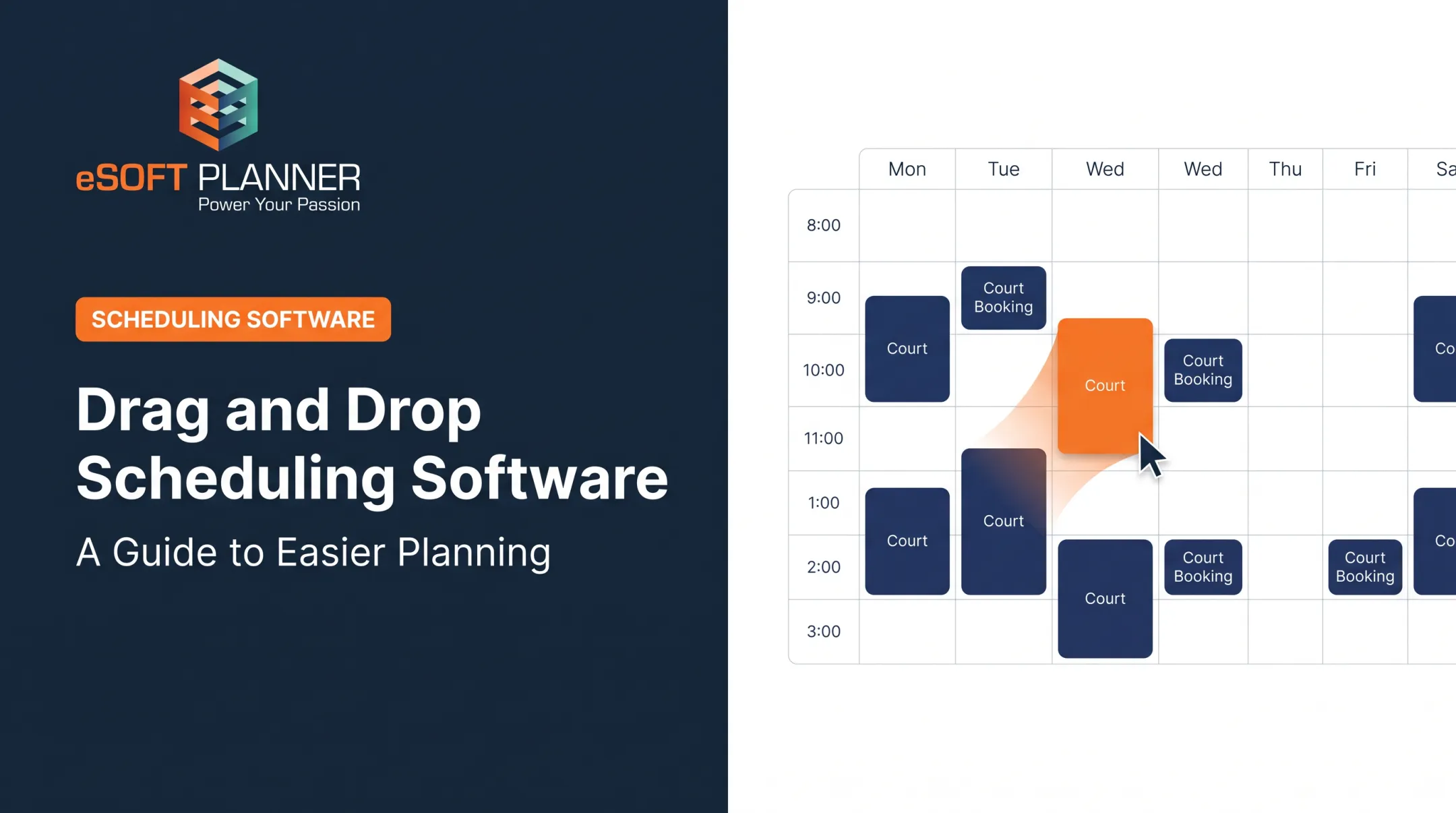
Availability should update the moment a booking, assignment, or resource status changes. Look for conflict detection and fast editing, such as drag-and-drop. Stale calendars cause the double bookings you're trying to eliminate.

Assignment Logic That Fits Your Operation
Match the rules to how you actually staff work:
Mobile service: skills, availability, location, workload, and certifications
Facilities: resource type, organization, program, surface, capacity, and permitted use
Communication Tools
- Booking confirmations and reminders
- Schedule-change alerts
- Customer self-service
- Public or read-only calendars
- Role-based views for staff
Administrative Features
Confirm the platform covers day-to-day admin needs:
- Organization-specific pricing, payments, and add-ons
- Reporting, integrations, permissions, and data export
- Security practices such as backups and encryption
Great Parks of Hamilton County, for example, required daily backups, an API, and SSL in its software request. Also confirm you can configure the system without technical help.
How to Choose the Right Field Service Scheduling Software
Start With a Requirements Inventory
Document every requirement the software must support:
- People, jobs, facilities, and resources
- Customer groups and recurring activities
- Approval steps, payments, and reports
Separate essentials from nice-to-haves before you evaluate vendors.
Compare Vendors on Practical Criteria
Feature counts mislead. Compare:
- Usability and configuration flexibility
- Onboarding and customer support
- Contract terms and exit terms
- Pricing structure, including extra seats, add-on modules, and payment-processing fees
- Scalability and integrations
- Total cost of ownership
Get support terms and implementation timelines in writing. Seasonal businesses should look hard at contract length and seasonal flexibility.
Make Vendors Prove It
Ask each vendor to demo your real scenarios:
- A recurring reservation
- A maintenance closure
- A double-booking attempt
- A last-minute reassignment
- A cancellation
- An online customer booking
- A schedule change affecting multiple users
Run the same script with every vendor and compare how many steps each one takes.
Field Service Scheduling vs. Sports Field and Facility Scheduling
Contractor-oriented platforms such as ServiceTitan, Jobber, and Housecall Pro center on technicians, work orders, routes, job sites, and mobile updates. Sports and activity facilities need a different model: reservable spaces, programs, teams, instructors, memberships, and recurring time slots.

What Facilities Should Prioritize
Sports facilities, schools, municipalities, swim clubs, and youth organizations should look for:
- Custom resource hours
- Recurring reservations and split shifts
- Maintenance closures
- Organization-specific visibility and pricing
- Online booking and optional add-ons
- Clear calendars that prevent conflicts
Where eSoft Planner Fits
eSoft Planner is built for sports and activity facilities. It grew out of the founders' experience running a sports training facility, and it is configurable for sports academies, swim clubs, music schools, shooting ranges, schools, municipalities, and other scheduled or instructor-based organizations.
Operators can set custom hours per field or court, schedule recurring practices and games, restrict visibility to specific teams, and set organization-specific pricing. Its color-coded calendar shows what's happening on each field. Pricing starts at $39/month with no contracts.
If your main need is facility, field, class, lesson, or resource scheduling, review a demo or request a consultation with eSoft Planner.
Frequently Asked Questions
What is field service scheduling?
It is software for planning and assigning work or bookings across people, places, and equipment. It can mean technician dispatch or scheduling for sports fields, facilities, classes, and resources.
What is the difference between field service scheduling software and field service management software?
Scheduling handles planning and assignment. FSM usually adds work orders, customer management, invoicing, inventory, and reporting.
What features should I look for in field service scheduling software?
Look for real-time availability, conflict prevention, recurring schedules, assignment rules, notifications, reporting, integrations, and ease of use.
How does field service scheduling software prevent double bookings?
A central calendar checks availability and resource rules before confirming. Conflict detection, permissions, and approval workflows block overlapping reservations or assignments.
Can small businesses use field service scheduling software?
Yes, if the platform is affordable, configurable, and easy to learn. It should automate admin work without an enterprise implementation.
Is field service scheduling software suitable for sports facilities and field reservations?
Contractor-focused tools often model sports resources poorly. Facility-oriented platforms support fields, courts, recurring reservations, organization rules, online booking, and resource-specific availability.