
Lessons management software puts booking, enrollment, attendance, payments, reminders, and reporting in one place. This guide compares five options: eSoft Planner, Jackrabbit Class, Pike13, Mindbody, and TeamUp. The right pick depends on your program type, scheduling complexity, customer volume, budget, and support needs.
Key Takeaways
- A basic appointment calendar can't handle group capacity, family accounts, and shared pools or courts.
- Compare real-time booking, recurring lessons, instructor and resource scheduling, waitlists, and payments first.
- Industry-specific tools fit lesson workflows; broader platforms add marketing and memberships.
- Price the full package: setup, processing, add-ons, contracts, and migration.
Overview of Lessons Management Software for Sports and Swim Programs in the US
Lessons management software coordinates the whole customer journey: registration and booking, attendance, payment, communication, and reporting. Capterra describes class registration software as a tool that helps instructors manage schedules, enroll students, and process online payments, while students view and register online.
Demand for youth programs is strong. Project Play's 2025 report found 65% of US youth ages 6-17 tried sports at least once in 2024, up from 59% in 2021. That measures participation, not software adoption, but it shows how many families these programs must register and schedule.

Where these systems earn their keep
- Private sports instruction and group clinics
- Swim lessons and other recurring programs
- Camps, memberships, and youth programs
- Facilities with several instructors or locations
Generic scheduler vs. purpose-built system
A generic scheduler books a time slot. A purpose-built system also handles:
- Family profiles with several children
- Class capacity and waitlists
- Makeup policies
- Instructor availability
- Skill levels
- Lane, court, or room constraints
Treat the shortlist below as a set of options to test against your own workflows, not a universal ranking.
Best Lessons Management Software for Sports and Swim Programs
Each product is scored on feature fit for sports and swim operations, scheduling depth, customer experience, payments and reporting, integrations, implementation, support, and pricing transparency. Pricing figures reflect October 2026 rates and can change, so confirm current pricing before you buy.
eSoft Planner
eSoft Planner launched in 2008 as the flagship product of PPC Communications, a family-owned company in Cincinnati, Ohio. The founders built it for their own sports training facility. It now serves sports academies, sports complexes, and swim clubs.
What sets it apart:
- Configurable workflows and an a-la-carte module model
- Flat subscription pricing that doesn't rise with more customers or staff
- A personal customer success manager for every new client
- Pricing from $39/month; Swim Club plans start at $700/year
- A free demo
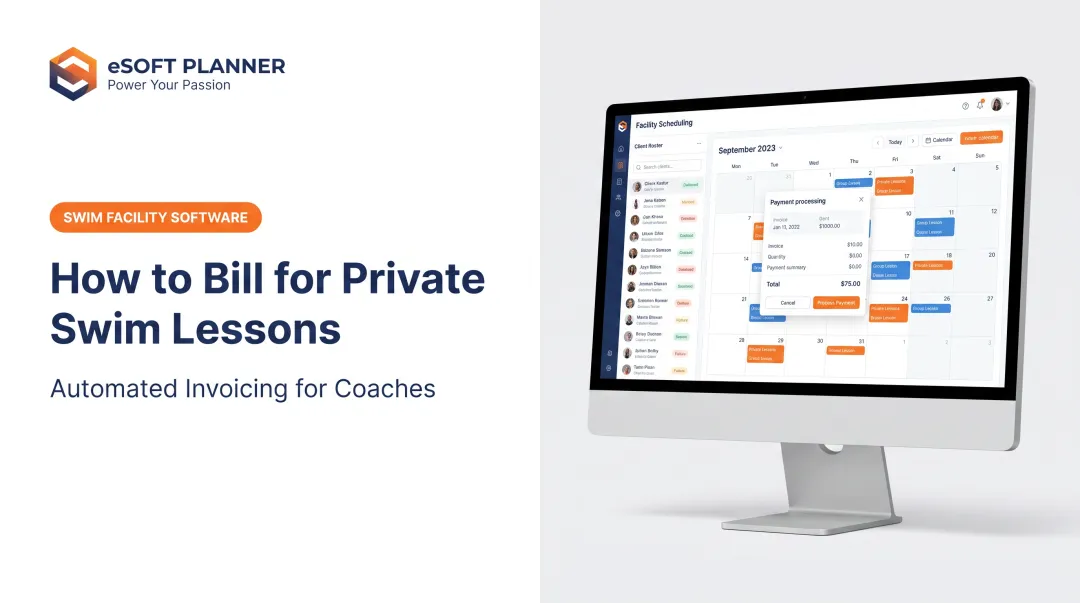
On lessons, the platform assigns an instructor and a space in one booking and prevents double bookings. It manages private and semi-private lessons with limits by location and lesson type. Lessons can repeat automatically, and waitlists move clients up when a spot opens. Clients create family profiles, sign waivers, and book and pay 24/7.
Payments cover prepayments, online invoices, refund policies, and account credit. Staff get email and text reminders, payroll reporting, and revenue reports. Setup help is available for a one-time fee. Ask directly about contract terms, data migration, and processing fees before you commit.
Jackrabbit Class
Jackrabbit Class targets swim schools, gymnastics, dance, and music programs, including multi-location and franchise operators. It isn't group-only: native Appointments handle private lessons based on room and instructor availability, and parents can book or cancel through the Parent Portal.
- Family records consolidate children and their current, future, and waitlist enrollments
- Makeup eligibility and time limits are configurable
- Max Size and Max Wait fields control capacity, though waitlist enrollment is manual
- Skill-progress tracking and attendance histories are in the Parent Portal
- Credit-card and bank-draft payments update family balances
Published pricing runs from $49/month (Class) and $93 (Plus) to $245 (Enterprise). Class and Plus pricing depends on month-end student counts. There's no contract or cancellation fee, data imports are free, and support runs weekdays, 8am-8pm Eastern. The branded app on Plus adds a $169 setup fee.
Pike13
Pike13 offers a dedicated swim-school package with level-based group lessons, private and semi-private appointments, and swimmer progress tracking. Parents enroll and pay for several children, and each child keeps a separate progress history.
- Recurring events, room assignments, capacities, and automated waitlists
- Memberships, session tuition, and lesson packs
- Unlimited staff and client profiles
- Zapier on Advanced and Premium
Plans cost $159, $225, and $286 per month billed monthly ($139, $195, and $249 billed annually). Every plan carries a 12-month contract. Skill Tracking comes with Premium or as an add-on, and API access is Premium only. Support is 24/7, and most businesses set up in 2-4 weeks, per the vendor.
Mindbody
Mindbody is a broad business-management platform with a sports-facility offering. It covers classes, appointments, capacity controls, waitlists, payments, memberships, marketing, and reporting. Web booking supports recurring appointments.
Several lesson-specific points need checking:
- Family accounts exist only at select businesses
- Swim-level prerequisites and swim-specific makeup credits aren't documented
- Resource-conflict prevention requires configuration, and room-resource scheduling comes with Accelerate
- The non-beta Business app can't book recurring appointments
Pricing starts at $79/month per location, with unlimited users per location. Full Accelerate and Ultimate prices aren't published. Standard terms are a 90-day initial term, then 30-day renewals. It's a stronger fit for larger or multi-location operators who want marketing tools than for a small swim school.
TeamUp
TeamUp (goteamup.com) manages instructor-led classes, courses, and private appointments, with recurring private slots available natively. It supports family accounts, shared memberships, and packs.
- Configurable waitlists with automatic registration when a place opens
- Attendance reports separating attended, no-show, and late-cancel sessions
- Email and SMS notifications plus appointment reminders
- Stripe and GoCardless payments, Zapier, and CSV exports
Pricing is month-to-month with no setup fee: $119/month for 0-100 active customers and $189 for 101-200. The gap to watch: Rentals can represent individual pool lanes, but they don't sync with Classes, so rental availability must be set to exclude lesson times.

Side-by-side snapshot
| Vendor | Billing unit | Household support | Key qualification |
|---|---|---|---|
| eSoft Planner | Flat, by module | Family profiles | Confirm contract and migration terms |
| Jackrabbit | Student count | Family record | Manual waitlist enrollment |
| Pike13 | Fixed plans | Separate swimmer histories | 12-month contract; tiered tracking and API |
| Mindbody | Per location | Select businesses only | Recurring booking differs by app |
| TeamUp | Active customers | Family accounts | Rentals and Classes don't sync |
How We Chose the Best Lessons Management Software
A polished booking page, a low starting price, or a long feature list can hide a poor fit. Judge each tool against your daily workflow, using these four areas.
Scheduling and resources
- Recurring bookings for private and group lessons
- Instructor availability and conflict detection
- Lanes, courts, fields, and rooms
- Capacity limits, waitlists, and makeups
- Multi-location calendars
Customer and staff experience
- Online registration and family profiles
- Self-service, mobile access, and reminders
- Attendance, waivers, skill levels, and notes
- Clear cancellation policies
Financial and administrative controls
- Deposits, packages, memberships, and invoices
- Refunds and payment processing
- Staff permissions and revenue reporting
- Reduced repetitive data entry
Technical fit and long-term value
Capterra's buying guide notes that costs go beyond the subscription: setup, migration, training, and integrations all add up. Review these areas carefully:
- Data export and security documentation
- Support quality, contract terms, and add-on pricing
- PCI DSS documentation for payment-account data
A standard's existence doesn't prove a vendor complies, so ask for proof.
Validate before you buy
- Map one typical week, including exceptions and makeups.
- Request a demo built around that week.
- Test recurring lessons, family registration, and payment flows.
- Get pricing in writing, including one-time fees.
- Have instructors and front-desk staff try it.
For migration, Capterra's implementation guide recommends auditing duplicates, testing a small batch, and keeping a rollback plan.

Conclusion
The best software matches your scheduling model, facility limits, customer journey, staffing, and growth plans. Brand recognition and feature count matter less than fit.
Before you sign up, compare live workflows for:
- Recurring lessons and family registration
- Attendance tracking and payments
- Reporting, support, and total annual cost
If you run a sports or swim program and want configurable scheduling with hands-on support, explore eSoft Planner or contact our team at contact@esoftplanner.com or +1 513-791-4940 to talk through your facility's requirements.
Frequently Asked Questions
What is lessons management software?
It's a platform that combines scheduling, registration, attendance, payments, communication, and reporting for lesson-based programs. Staff and families work from one system instead of spreadsheets and phone calls.
Which features matter most for sports and swim programs?
Prioritize recurring bookings, instructor and resource scheduling, capacity controls, and family accounts. Add attendance, waitlists, payments, reminders, and reporting.
Can lessons management software handle both private and group lessons?
Support varies by platform. Verify recurring sessions, class capacity, instructor assignment, packages, and whether each lesson type can have its own pricing and policies.
How does software help prevent double bookings and no-shows?
Real-time availability and conflict detection stop overlapping bookings. Reminders, deposits, cancellation rules, and waitlists help with no-shows, though no vendor can guarantee a reduction.
Should a small program choose industry-specific software or a general platform?
Industry-specific tools usually fit lesson workflows and setup faster. General platforms offer broader marketing and membership features. Weigh specialization, integrations, customization, cost, support, and growth.
How much does lessons management software cost?
Pricing depends on modules, users, locations, customers, processing, setup, support, and contracts. Compare the full annual cost, not just the advertised base subscription.